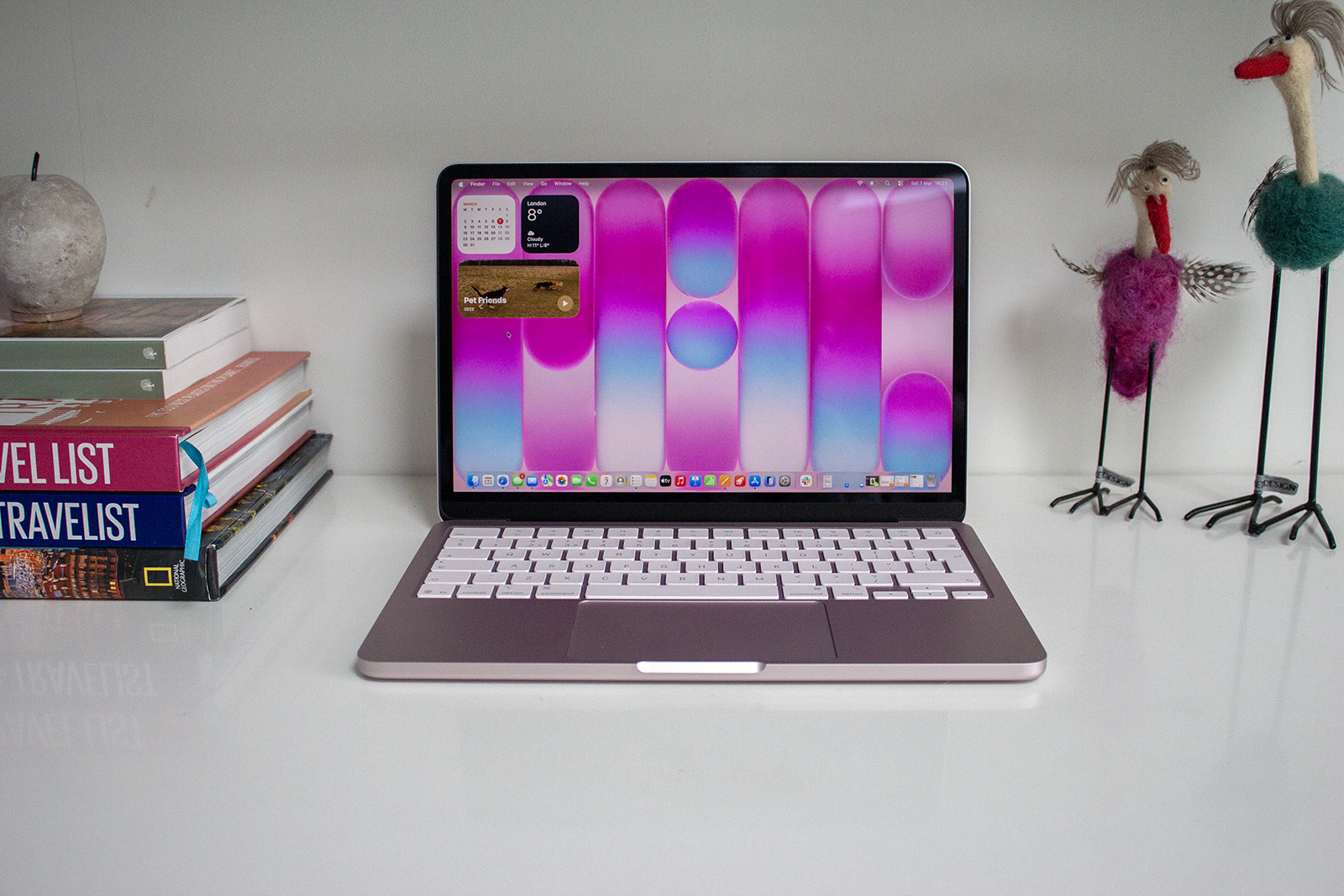
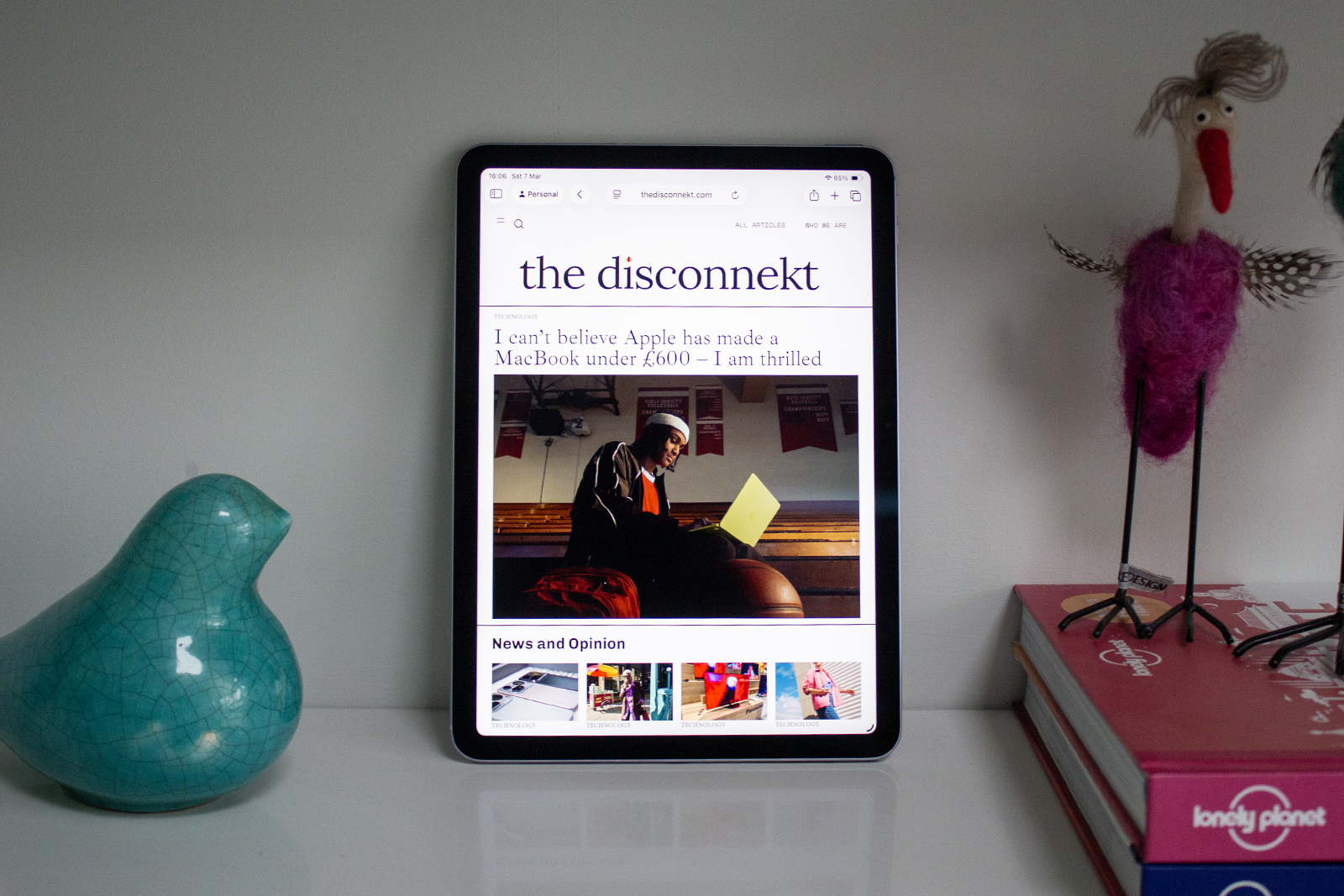
Apple’s iPad range is extensive. From the small and compact iPad mini through to the all-singing, all-dancing iPad Pro models, there aren’t just four iPad lines, but multiple models within those lines. For those looking for a family tablet, the iPad (10th generation) is a sure thing, while power and portability are the name of the iPad Air’s game.
When it comes to the biggest and best iPad model Apple offers, that is where the iPad Pro comes in, with the new iPad Pro M4 just announced. Until that announcement, it was the iPad Pro 12.9 (6th generation) and the iPad Pro 11 (4th generation) from 2022 running the show. I’ve used both extensively over the last 18 months, but here I’m focusing all my attention on the iPad Pro 12.9 tablet. Is it still a good buy, especially now with the new iPad Pro M4? Here’s my full review.
The Disconnekt Downlow
Pros
+ Premium design
+ Excellent display
+ Superb performance
Cons
– Battery could be better
– iPadOS has limitations
– Expensive
The Apple iPad Pro 12.9 (6th generation) is a superb tablet – and until very recently, the best in its class. It delivers a lovely slim and premium design, an absolutely stunning display and more power than you’ll likely know what to do with thanks to Apple’s M2 chip. The battery life isn’t as good as some other iPad models or the MacBook Air, while iPadOS might be too restrictive for those who want to use this as a complete laptop replacement. It’s also worth mentioning the iPad Pro got refreshed at an event in May with more power in the M4 chip and the addition of an OLED display, but if you’re after a larger than life iPad with a lovely design, beautiful display and heaps of power, the iPad Pro 12.9 (6th generation) from 2022 is a great option if you can find it at a decent price.
The reasons you should choose Apple iPad Pro 12.9 (6th generation)
The Apple iPad Pro 12.9 is undeniably big – it’s one of the largest tablets the company offers, coming in at pretty much the same size as the MacBook Air 13-inch – but that’s also part of its appeal. From working on the move to watching movies on a plane, the iPad Pro 12.9 delivers a superb experience.
The design – which hasn’t changed much since the iPad Pro line was redesigned in 2018 – sports flat edges, slim bezels around the display and a super slim, aluminium body (though not quite as slim as the iPad Pro M4). It’s a solid and premium build – almost justifying the high price tag – and it’s reasonably light too despite that large size, until you add the Magic Keyboard anyway. Attach the Magic Keyboard compatible with this model and you’re looking at a weight that’s around the same as the MacBook Air so there’s a decision to be made there.
IMAGE CREDIT: THE DISCONNEKT
The iPad Pro 12.9 has an exceptional display however. Offering punchy and vibrant colours along with a lovely smooth scrolling experience, the Liquid Retina XDR Mini LED screen is fantastic, whether working on a presentation, editing images or watching HDR content from your favourite streaming service at that glorious peak brightness. There are a number of reasons to buy the iPad Pro 12.9 but the display is certainly at the top of the list. The new iPad Pro M4 has what Apple is calling an Ultra Retina XDR display, with Tandem OLED panels and the option of a nano-texture option, but that doesn’t take away from the screen on the iPad Pro 12.9 (6th generation).
Of course power is another factor that can’t be ignored when it comes to the iPad Pro line, and that goes for the 12.9-inch model and the slightly smaller 11-inch model. The two Pro models differ when it comes to the display panels but the power under the hood is the same, as is the potential storage capacities which top out at a perhaps unnecessary 2TB. Apple’s M2 processor runs the show, which you will also find in the 2022 MacBook Air models, and this equates to more power than most people need – and a speedy and consistent performance.
“
The four-speaker audio system is great, even though I’d recommend using AirPods for the best experience.
Unless you’re editing video or RAW images on the fly with the iPad Pro, you’re very unlikely to reach its limits and that remains true, even with the M4 chip appearing for the new iPad Pro. It means that day-to-day tasks – the mundane checking of emails, browsing the web, shopping and streaming – are absolutely no issue for the iPad Pro 12.9. It handles more intense tasks with ease too, making working on the move with this tablet an efficient and pleasant experience.
I personally love the typing experience and the trackpad responsiveness offered by the Magic Keyboard so I enjoy working on the iPad Pro 12.9 when that is attached, with Face ID and the touchscreen a welcome novelty compared to working on the MacBook Air. It’s not a complete laptop replacement for what I do, but that’s down to my workflow rather than a lack of capability from the iPad Pro.

IMAGE CREDIT: THE DISCONNEKT
The Apple Pencil (2nd generation) is supported here rather than the new Apple Pencil Pro, along with features like Apple Pencil Hover. That latter feature is niche and you may never use it, but it is handy when drawing on the iPad Pro if that’s something you’re planning to do. Elsewhere, the four-speaker audio system is great, even though I’d recommend using AirPods for the best experience with more immersive sound, especially when playing Spatial Audio or Dolby Atmos compatible films or tracks. Last but not least, both front and rear cameras are more than capable on this iPad with a LiDAR sensor on board too, but honestly, I’d question whether you’re making good life choices if you’re using the iPad Pro 12.9 to take photos. Come on people, it is just not necessary.
What the Apple iPad Pro 12.9 (6th generation) could do better
Where the iPad Pro 12.9 could improve is battery life. In my experience, it doesn’t last as long as the iPad Air (5th generation) or the iPad (10th generation), especially not when used with the Magic Keyboard. The keyboard pulls power from the iPad Pro 12.9 meaning you can charge both together via the USB-C port, but that also means the iPad Pro shares its power when you’re using that keyboard and therefore the battery life takes a hit.
Without the keyboard, you’ll get through a few films (depending on how long) or around a day of work, depending on what you’re doing (image and video editing do eat the battery faster), but this tablet doesn’t quite have the battery prowess you’ll get from the MacBook Air.


IMAGE CREDIT: THE DISCONNEKT
And that leads me onto my next point. The iPad Pro 12.9 runs on iPadOS 17 – it launched on iPadOS 16 but it’s since been updated and it will be compatible with iPadOS 18 when that launches later this year too (more details expected at WWDC in June). The software experience on the whole is actually very good and it’s significantly improved since iPads ran on iOS – the software you’ll find on an iPhone. You get better multi-tasking, features like Stage Manager that allow for better screen management when using several different apps, and there are a range of new features with iPadOS 17 too – I’ll talk more about the software in a second.
Four essential Apple iPad Pro (6th generation) specs
1,600
Nits
The Liquid Retina XDR display on the iPad Pro 12.9 (6th generation) has a peak brightness of 1,600 nits. Its resolution is 2,732 x 2,048 pixels.
6.4
Millimeteres
The Apple iPad Pro 12.9 (6th generation) is just 6.4mm thick. It measures 280.6mm in height and 214.9mm in width.
682
Grams
The Apple iPad Pro 12.9 (6th generation) Wi-Fi only model weighs 682g. If you want the Wi-Fi & Cellular model, it’s 684g.
10
Hours
Apple claims the iPad Pro 12.9 (6th generation) will offer up to 10 hours of surfing the web on Wi-Fi or watching video.
The iPadOS software is no match for macOS when it comes to proper multi-tasking however. You can now overlay apps on top of each other in Stage Manager but its more fiddly than when you would do it on Mac, which means there are some limitations in terms of workflow, depending on what you are trying to do. For some, the iPad Pro 12.9 will be an excellent device that combines work and play fabulously, with plenty of power under the hood to do it effectively, even if the iPad Pro M4 will be a better option for some users now. For others, the software could be frustrating compared to the freedom you get with macOS.

IMAGE CREDIT: THE DISCONNEKT
The only other real complaint I have with this tablet is the position of the front-facing camera. For the iPad (10th generation) and the new iPad Pro M4 and iPad Air M2, the front camera is in a landscape orientation, which is much better for video calls, whether personal or work. The iPad Pro 12.9 has a portrait position which makes video calls a little more awkward, especially when using the Magic Keyboard which forces a landscape orientation.
A little bit more about iPadOS 17
Apple’s iPadOS 17 software was announced in September 2023, taking over from iPadOS 16, which is the software this iPad launched on. It didn’t bring any huge changes, but there are a couple worth mentioning that come in handy. Widgets on Lock Screen are great – they are something I use on my MacBook Air desktop all the time, and they don’t just show you useful information, but they are interactive too.
I love the Reminders app for example – I know, unpopular opinion but it is so much better than it gets credit for – and you can use that as an interactive widget, ticking off things directly from the widget as you get them done rather than having to open Reminders separately. The widgets can also be used for HomeKit compatible device control or playing music which may be more popular use cases.

IMAGE CREDIT: THE DISCONNEKT
The iPadOS 17 software also introduced Profiles on Safari, which is another feature I use daily. It allows you to separate work search history and tabs from personal for example, but you don’t just have to stop at a Work Profile and Personal Profile. I have multiple Safari profiles going on to keep everything organised, and helpfully all autofill passwords also transfer between Profiles, making it very easy to separate various elements of your life.
Elsewhere, the Health app was added to iPad for the first time in iPadOS 17, FaceTime got improved with the ability to leave a video or audio message, and Messages got improved too, with swipe to reply functionality. All perhaps minor in the grand scheme of things but worth mentioning as they all have their benefits.


IMAGE CREDIT: THE DISCONNEKT
Should you buy the Apple iPad Pro 12.9 (6th generation)?
The Apple iPad Pro 12.9 is a superb tablet – and up until very recently, it was the best in its class. It delivers a lovely slim, solid and premium design, an absolutely stunning display and more power than you’ll likely know what to do with.
The battery life isn’t as good as some other iPad models, and it doesn’t touch the MacBook Air in this department, while iPadOS might be too restrictive for those who want to use this as a laptop replacement. The biggest factor however, is that Apple has announced new iPads for 2024 as I mentioned. The new iPad Pro 13-inch M4 – the replacement for the iPad Pro 12.9 (6th generation) is not only slimmer and lighter than its predecessor, but it adds an OLED display, more power, the option of a nano-texture display and compatibility with a new Magic Keyboard and Apple Pencil Pro.
That said, if you’re in the market for a larger than life iPad with a lovely design, beautiful display and heaps of power, the iPad Pro 12.9 from 2022 is still a great option if you can find quite a bit cheaper than the new iPad Pro 13-inch M4. Otherwise, the new model makes more sense.

IMAGE CREDIT: THE DISCONNEKT
FAQs
Yes, Apple officially announced new iPad models during an event on 7 May, with the iPad Pro and iPad Air lines both refreshed. A new Apple Pencil Pro was also revealed and a new Magic Keyboard, neither of which are compatible with the iPad Pro 12.9 (6th generation).
Apple announced the iPad Pro 12.9 (6th generation) on 26 October 2022. It launched alongside the iPad Pro 11-inch (4th generation) and the iPad (10th generation).
The iPad Pro models – both the 12.9-inch and 11-inch model – have Face ID built-in for unlocking, autofilling passwords and paying through Apple Pay.
The designs of the 2022 iPad Pro models are the same, though their physical dimensions and display sizes are of course different. The iPad Pro 12.9 (6th generation) has a Mini LED display too, while the iPad Pro 11 (4th generation) has an LCD display like the iPad Air (5th generation). Both offer 120Hz refresh rates from Apple’s ProMotion technology however, along with the same processor and the same storage options.
Update: This iPad Pro 12.9 (6th generation) review was first published on 28 April, 2024. It was updated on 8 May, 2024 to reflect the announcement of the new iPad Pro M4 on 7 May, 2024.