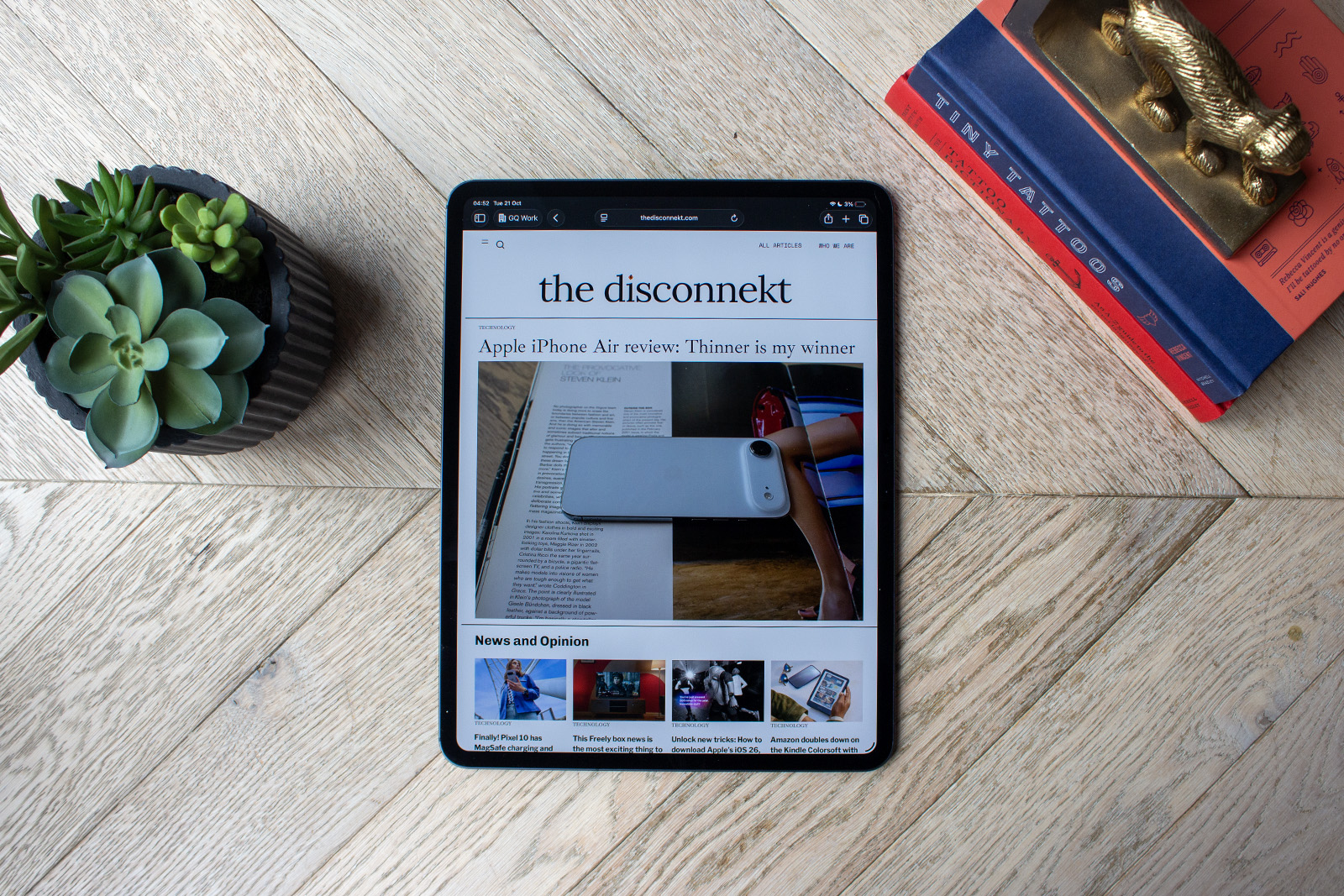
The Apple iPad Pro is in a tricky old spot. Not because it isn’t a fantastic tablet, because that it most definitely is. But more because the rest of Apple’s iPad portfolio is also exceptionally good, especially the iPad Air (M3) that’s half the price of the iPad Pro. It’s basically the same story as the iPhone 17 Pro has now that the iPhone 17 is so good this year.
Still, if power is your top priority from your tablet, and you want it packaged in the slimmest product Apple has within its portfolio (it’s even slimmer than the iPhone Air), then the iPad Pro (M5) is what you’ll want. I’ve spent the last week working on it to bring you what it does well, what it could improve and whether it’s worth spending your hard earned cash on.
The Disconnekt Downlow
Pros
+ Lovely slim design
+ Gorgeous display
+ Exceptional power
Cons
– Very expensive
– No Nano-texture for base models
– More power than most people need
The Apple iPad Pro (M5) is an exceptional tablet, just as its predecessor was. The slim design remains impressive despite no longer being new; the display is absolutely glorious; and there is more power than many will know what to do with. And that’s before you consider the faster charging and Wi-Fi and Bluetooth upgrades. If you’re looking for the best-in-class tablet, the iPad Pro (M5) holds the crown without a shadow of a doubt, but with the rest of the iPad portfolio so good, there is every chance you won’t need this tablet, you’ll just really want it.
The reasons you should choose Apple iPad Pro (M5)
The Apple iPad Pro (M5) is identical to the Apple iPad Pro (M4). Don’t mistake that for a criticism though. It’s one of the most impressive tablet designs out there. Its gorgeous slim and slender aluminium build makes it supremely portable, whether you opt for the 11-inch model or the 13-inch model. I had the 13-inch model in for review and let me tell you, this is a much more comfortable device to pop in a handbag than my MacBook Pro.
The 13-inch model is actually slimmer than the 11-inch too at 5.1mm compared to 5.3mm and in case you’re wondering, both of those are skinner than the iPhone Air that measures 5.6mm. Add the Magic Keyboard onto the iPad Pro (M5) and it becomes quite a bit heavier, but without it, you’re talking about under 500g for the 11-inch model and under 600g for the 13-inch, both of which are around half the weight of the MacBook Air (M4).


IMAGE CREDIT: THE DISCONNEKT
It’s not just the design that makes the iPad Pro (M5) worthy of your attention though. Its Tandem OLED screen is exceptional. There’s plenty of brightness, punchy colours and pin-sharp detail. Viewing angles are excellent too, while the ProMotion technology makes for a super smooth scrolling experience. My review unit doesn’t have the Nano-texture coating this time around, but I would recommend this add on if you are picking one of the more expensive storage models as the matte finish is superb at cutting out extra reflections.
The symmetrical bezels around the display are something you’ll find on other iPad models but the iPad Pro (M5) has Face ID rather than Touch ID within the power button and this makes for a much nicer (and quicker) user experience. Then there is the power. Now, as I said at the beginning of this review, the iPad Air (M3) is also a workhorse when it comes to power and will no doubt deliver enough performance for most people. The iPad Pro (M5) makes light work of absolutely everything though, from rendering 4K video to image editing, whilst running other programs in the background.
“
There’s one reason in particular to buy the iPad Pro (M5), however, and it’s not the extra power.
There’s one reason in particular to buy the iPad Pro (M5), however, and it’s not the extra power over the iPad Pro (M4) or the improved Wi-Fi and Bluetooth connectivity. Nope. It is the fast charging support. For the first time, the iPad Pro (M5) supports fast charging, offering up to 50 per cent in 35 minutes with a 60W charger or faster and that my friends, is something I am thrilled about.
What Apple iPad Pro (M5) could do better
I’ll be honest, you’ll want for very little when it comes to the iPad Pro (M5), except maybe some money back in your pocket. But no product is perfect and as such, there are a couple of things to note when it comes to the iPad Pro (M5).
The first is that if you have the iPad Pro (M4), it’s very unlikely you will need to upgrade to this model. The design and display are the same so you’re really only talking about a power boost and some connectivity improvements, along with that all important fast charging of course.


IMAGE CREDIT: THE DISCONNEKT
The second is that the iPad Pro (M5) doesn’t come with a power adapter in the box. Now, that’s nothing new as such but it does mean if you want to take advantage of that fast charging I keep banging on about, you’ll need to make sure you have a compatible power adapter.
Thirdly, there is still no multi-user support on iPad. Sure, you can sign in and out of different Apple IDs so different members of your family can use this incredibly pricey slab, but that’s far from the slick and smooth experience that most Apple products deliver. I really hoped iPadOS 26 would bring user profiles to iPad given it introduced so many other similarities to Mac, but alas, not this year.
A little about iPadOS 26
That does however, lead me beautifully onto iPadOS 26. I have written an entire feature on iPadOS 26 that you can read separately if you want to know the ins and outs, but I’ll cover a couple of my favourite features here just as an overview.
When you setup the iPad Pro (M5), you can choose between two views: window view and the traditional iPad view. I selected window for my review unit, which makes much more like Mac and macOS to use. It’s significantly better for multi-tasking and running multiple apps and windows at the same time.

IMAGE CREDIT: THE DISCONNEKT
You can overlay them on top of each other, resize them using the corners and again like Mac, there’s a menu bar at the top of each app when you swipe down giving you access to things like ‘File’.
The software also introduces the Preview app for editing and viewing PDFs more easily on iPad and the Files app has had some love with folder customisation options including the ability to change folders to different colours. Elsewhere, iPadOS 26 brings the Phone app to iPad for the first time so you can see all your recent calls and messages, and there’s a new Game app too.
That’s without mentioning the new Liquid Glass interface too, which makes icons and menus more translucent. It’s had some criticism for legibility and it can make things a little tricker to read but as a design, I’m a fan. With the next software update, Apple is also introducing a ‘Tinted’ option to the interface that should increase contrast for those that are struggling to read it as easily as iPadOS 18.

IMAGE CREDIT: THE DISCONNEKT
Should you buy the Apple iPad Pro (M5)?
The Apple iPad Pro (M5) is an exceptional tablet, just like its predecessor was. The slim design remains impressive despite no longer being new; the display is absolutely glorious; and there is more power than many will know what to do with. And that’s before you consider the fast charging capabilities and Wi-Fi and Bluetooth upgrades.
The biggest problem the iPad Pro (M5) has is nothing to do with itself. It’s that the rest of the iPad portfolio is so good, especially in the case of the iPad Air (M3). Yes this tablet is more powerful and slimmer but you pay quite the premium for that and the iPad Air is still exceptionally capable and not exactly what I would call thick in its build.
If you’re looking for the best in class tablet, the iPad Pro (M5) holds the crown without a shadow of a doubt, but there is every chance you won’t need this tablet, you’ll just really want it.

IMAGE CREDIT: THE DISCONNEKT
FAQs
No, the Apple iPad Pro (M5) is not waterproof or water resistant. None of the iPads are.
The iPad Pro (M5) has a more powerful processor, improvements to Wi-Fi and Bluetooth and the introduction of fast charging for the first time in iPad.
The iPad Pro (M5) comes in Silver and Space Black.