I still remember my very first MacBook. It was white, had a plastic shell and I absolutely loved it. So much so that I remember being excited about doing my A-level coursework on it, much to my parents’ delight. My dad bought it for me – he was a teacher, so eligible for Apple’s education discount – and it brought me so much joy for so many years.
Fast forward 20 years and many of those feelings have returned with the MacBook Neo. It’s not plastic, it’s considerably slimmer and more portable, and it’s much more powerful. But the MacBook Neo is also fun like my old white MacBook was, not just in its design but in some of its small software charms too, and that makes it a real delight to use. I reviewed the MacBook Neo after coming from the MacBook Pro (M5) and I’m seriously considering sticking with this pink number. Here’s why.
The Disconnekt Downlow
Pros
+ Fun, colourful and premium aluminium design
+ Exceptional value for money
+ Great everyday performance and battery life
Cons
– No MagSafe charging
– No backlit keyboard
– TouchID only available on 512GB model
The MacBook Neo is one of the most exciting products Apple has announced in years. It might not be a super slim iPhone like the iPhone Air or headphones with a heart rate sensor like the AirPods Pro 3, but it’s the cheapest MacBook to ever launch. At £599, it finally makes Apple’s premium laptops accessible to a completely new audience without making you feel like you’ve been handed the budget version of something better. Yes, there are a couple of compromises on the Neo compared to the Air and Pro, but they are minor for the price, and I mean minor. For students and everyday users, the Neo is a superb laptop at a superb price.
The reasons you should choose Apple MacBook Neo
It was a sad day when Apple discontinued the standard MacBook back in 2017, and for years it felt like the company had made one of those drunken mistakes you’d rather forget. The removal of that base-level MacBook left a gap in Apple’s laptop lineup that was never quite filled by the MacBook Air – mainly because it was too expensive, but it was also bigger and nowhere near as cute.
The Neo feels like Apple finally corrected that mistake, presenting what the original model should have eventually become if it had stuck around. The aluminium build gives it a premium, solid feel that’s rare at this price point – you only have to do a quick lap of Currys to discover the trend towards black and silver plastic in the sub-£500 category.


IMAGE CREDIT: THE DISCONNEKT
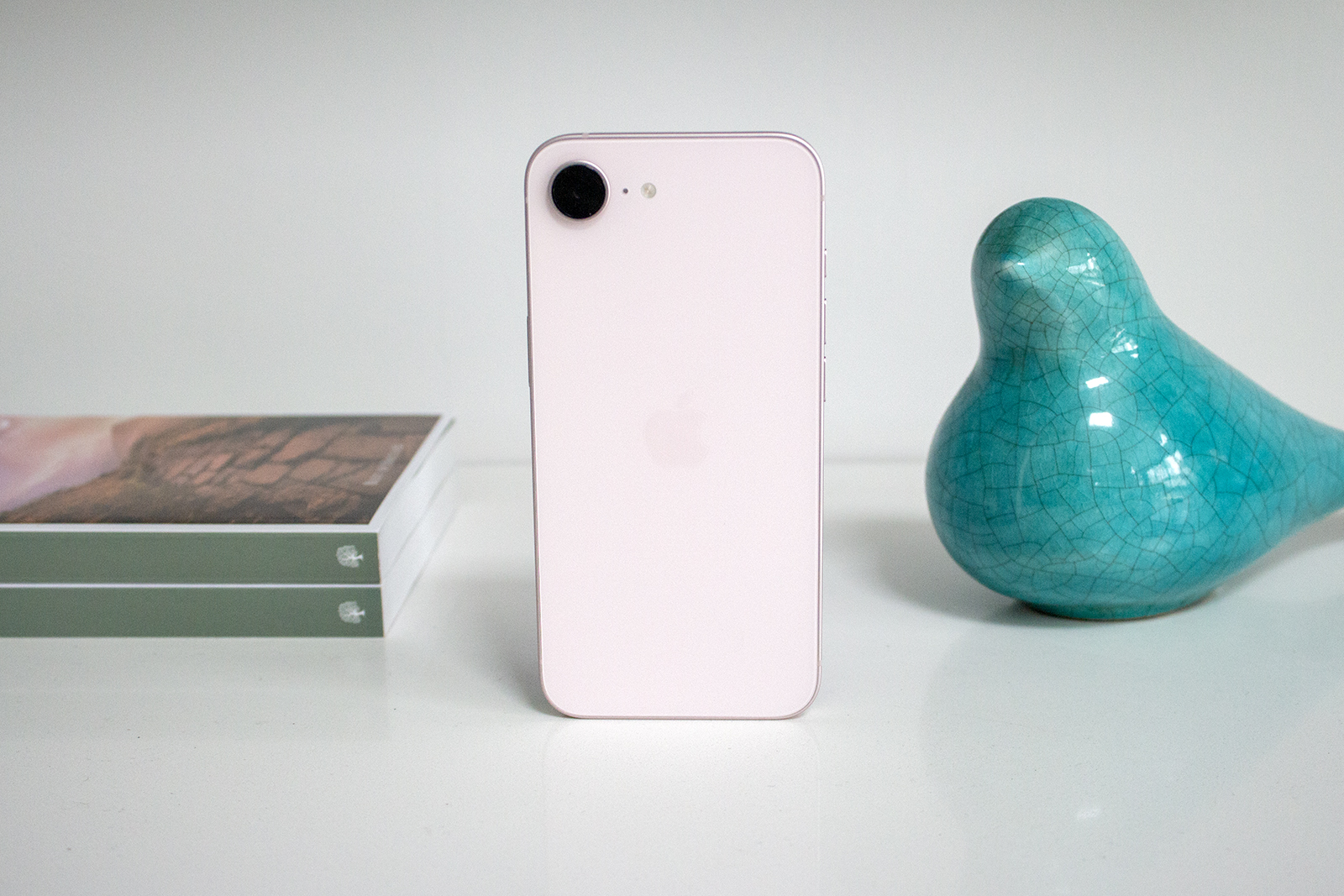
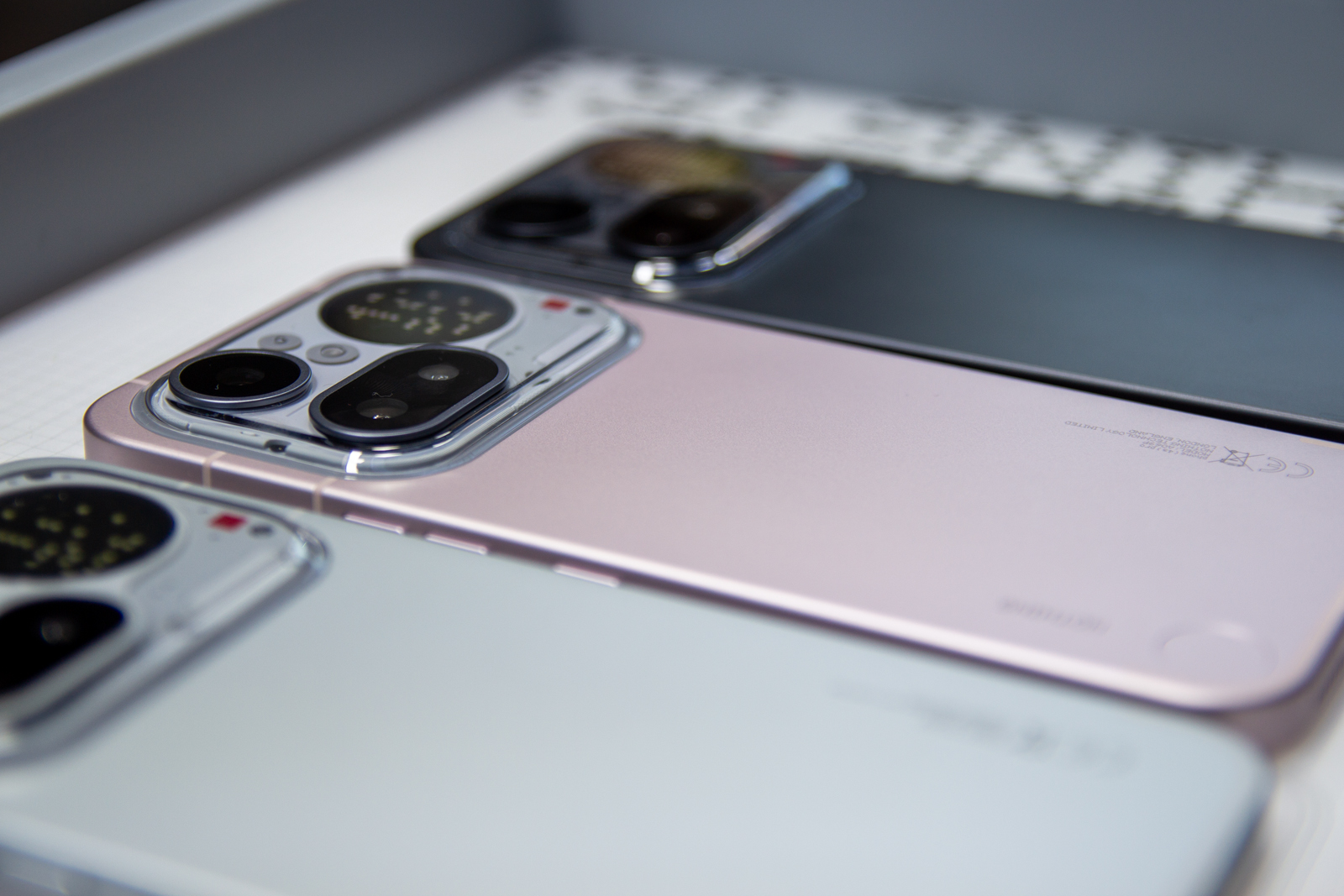
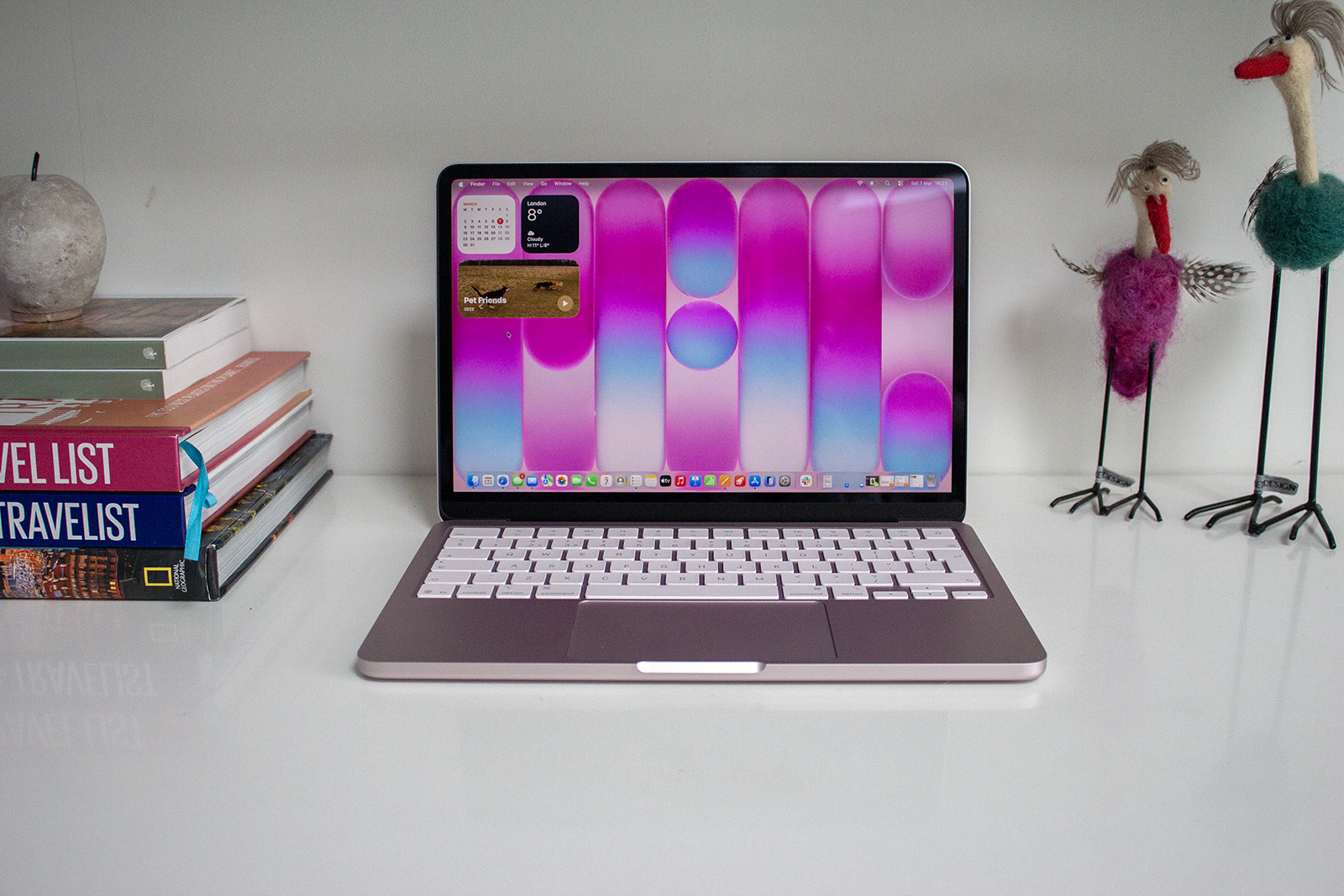
Colour-matching the trackpad, keyboard (to a certain extent), and Apple logo to the rest of the Neo’s body, instead creates a considered finish that looks and feels far more expensive than £599 has any right to. The four colour options – Blush, Citrus, Silver, and Indigo – also make the Neo feel more playful than its pricier Air and Pro siblings, which have been doing the same Silver-and-Midnight act for years. The Blush in particular is a gorgeous, subtle shade, and while it won’t be everyone’s cup of tea, it’s still a pink laptop that’s far from garish and that deserves some praise.
This MacBook is also incredibly light and compact, matching the MacBook Air’s weight but with smaller dimensions so it slips into a bag practically unnoticed and there’s a lot to be said for that.
“
It was the colour-matched menu selections and cursor that won me over, though.
But it’s not all form and no function here, either. The A18 Pro processor, the same chip that powers the iPhone 16 Pro, handles everyday tasks without issue. Browsing, writing, streaming, and light photo editing are no problem. It’s only when you start pushing it harder, with multiple tabs open alongside processor-heavy applications like Photoshop, that you might find the Neo’s ceiling, though many won’t get near it.
The software experience adds an extra layer of charm, too. Running macOS 26 Tahoe with support for Apple Intelligence, the Neo has features like Priority Notifications and Priority Inbox, both of which I consider to be genuinely useful rather than AI for AI’s sake (there’s so much of that now). It was the colour-matched menu selections and cursor that won me over, though. It’s a small addition, but it’s one that the more expensive Macs don’t have (not helped by their lack of colours), and I really appreciated it here.
Battery life also deserves to be included among the reasons to choose the MacBook Neo, rounding out its case well. Apple claims 11 hours of web browsing and 16 hours of video streaming, and while real-world use varies depending on what you’re doing, consistent writing and browsing sessions across a full working day didn’t give me sweaty palms when I wasn’t close to a plug. For some context, I used around 30 per cent for three hours of continuous writing with the screen at 50 per cent.
What the Apple MacBook Neo could do better
Of course no product is perfect and as such, there are a few things worth knowing before you hand over all your hard-earned cash. The lack of MagSafe is probably the most notable omission for me. Apple’s magnetic charging connector is one of those features you don’t fully appreciate until it’s gone – it attaches with a satisfying snap and disconnects cleanly if you catch the cable walking past (I can’t tell you how many times I’ve done this). The Neo gets by with two USB-C ports and a 3.5mm headphone jack, which makes it functional, but I’d have loved MagSafe.
The keyboard doesn’t have a backlight, either, which is something to factor in if you regularly work in the evenings or anywhere the lights go down. In every other respect, it’s the same Magic Keyboard found across the MacBook range, which delivers a comfortable, well-spaced and excellent typing experience. I should know, I write thousands of words every day so trust me on this one.


IMAGE CREDIT: THE DISCONNEKT
The trackpad, while large and very responsive, also lacks haptic feedback on the Neo. I can’t say I missed it that much from my MacBook Pro (M5), but this and the lack of backlight on the keyboard are small reminders that something had to give to hit that £599 price.
The Touch ID situation is a little odd, too. The fingerprint sensor is only available on the higher-storage 512GB model, so if you opt for the base model, you’ll need to type in your password manually or rely on an Apple Watch (if you have one) to unlock your Mac. Again, having reviewed the 256GB model that lacks Touch ID, I didn’t miss it as much as I thought I would, but it’s a slightly strange line to draw between the two available configurations.

IMAGE CREDIT: THE DISCONNEKT
Memory is another fixed constraint worth noting. With just 8GB of RAM and no upgrade path available, the Neo is locked at its base spec. That’s fine for everyday tasks, but if your workflow ever leans towards heavier ones, it’s a wall you can’t move.
The last thing I’ll mention here, not necessarily as a criticism but more as a point to note especially if you’re already watching the pennies, is there is no charging brick in the box. There’s no fast charging so you don’t need a 70W block or anything, but you will need a 20W adapter.
Apple MacBook Neo vs MacBook Air (M5): What’s the difference?
The MacBook Air (M5) is the obvious upgrade to the MacBook Neo but it’s £500 more expensive, as a minimum, so here’s exactly what separates the two to help you work out if that leap is worth making.
Both have LCD displays, but the Air’s panel is larger (13.6 or 15.3 inches depending on which size you go for), has a higher resolution, and covers a wider colour gamut. The Neo’s 13-inch display is perfectly good for everyday use – punchy, detailed, and comfortable to spend long hours in front of (as I have done the last few days) – but it lacks True Tone technology and a broader colour spectrum, which will matter more to those doing creative work than anyone just browsing and streaming.

IMAGE CREDIT: THE DISCONNEKT
The processor gap is a little more significant. The Air’s M5 chip, which has a 10-core CPU with an 8-core GPU, is a step up in power from the Neo’s A18 Pro, and the Air starts with 16GB of RAM to the Neo’s fixed 8GB. For video editing, music production, or anything that demands sustained performance, the Air is the better tool for the job. For everything else, and that’s most things, for most people, the Neo keeps pace remarkably well.
Storage options are more limited on the Neo, too, capping at 512GB versus the Air’s maximum of 4TB. And the Air brings MagSafe into the mix alongside its two USB-C ports, which is something I appreciate even if not everyone will care. Specs aside though and the Neo has a lot going for it in terms of price, personality, and portability. It’s more exciting to look at, easier to carry, and half the cost of getting started with the Air.


IMAGE CREDIT: THE DISCONNEKT
Should you buy the Apple MacBook Neo?
For students, everyday users, or anyone stepping into the MacBook world for the first time, the Neo is a remarkable laptop at a remarkable price. The design is delightful, performance is more than sufficient for daily life, and the overall experience is every bit as polished as you’d expect from Apple.
The only real competition the MacBook Neo faces comes from within Apple’s own lineup. The MacBook Air (M5) is excellent, and if your budget stretches to £1,099, the improvements in power, memory, and display quality will be beneficial to some users. But if £599 is where you land, the MacBook Neo doesn’t feel like settling. It feels like an absolute steal.

IMAGE CREDIT: THE DISCONNEKT
FAQs
The MacBook Neo was announced on 4 March 2026 and goes on sale on 11 March 2026.
It starts at £599 for the 256GB model and £699 for the 512GB model. Both are £100 cheaper with Apple’s education discount.
Current and prospective university students, parents buying on their behalf, and all teachers and education staff. Eligibility is typically verified through UNiDays.