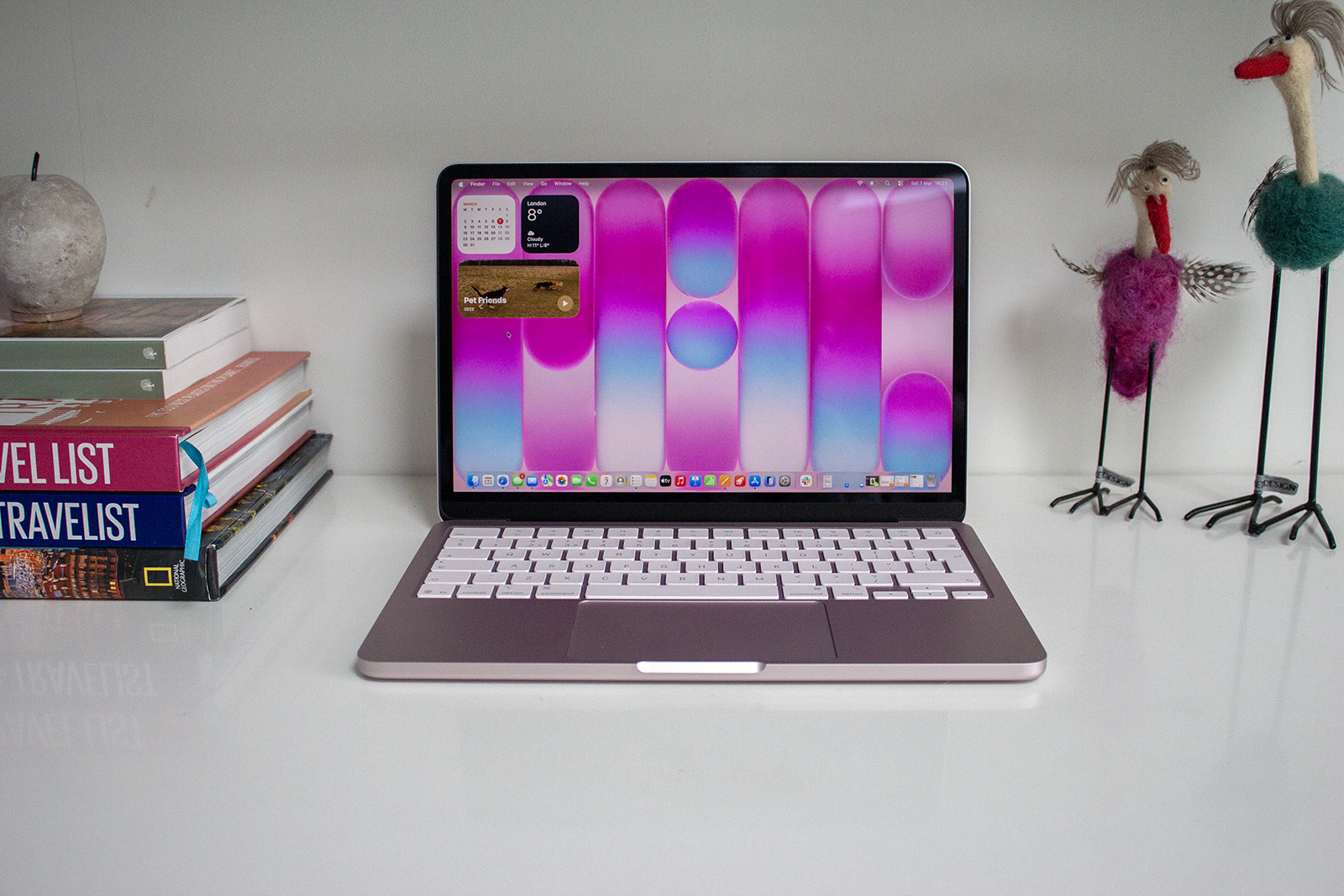
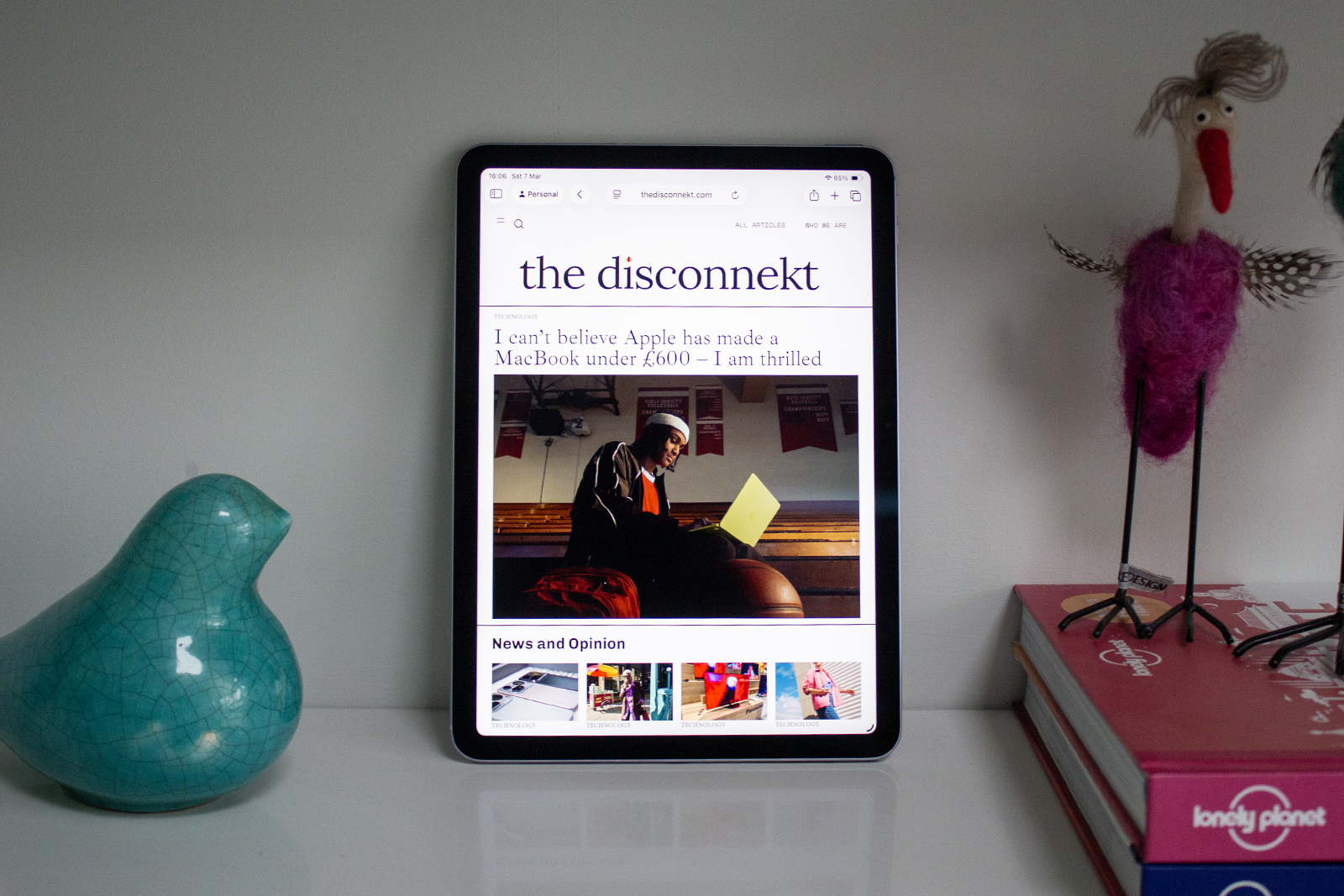
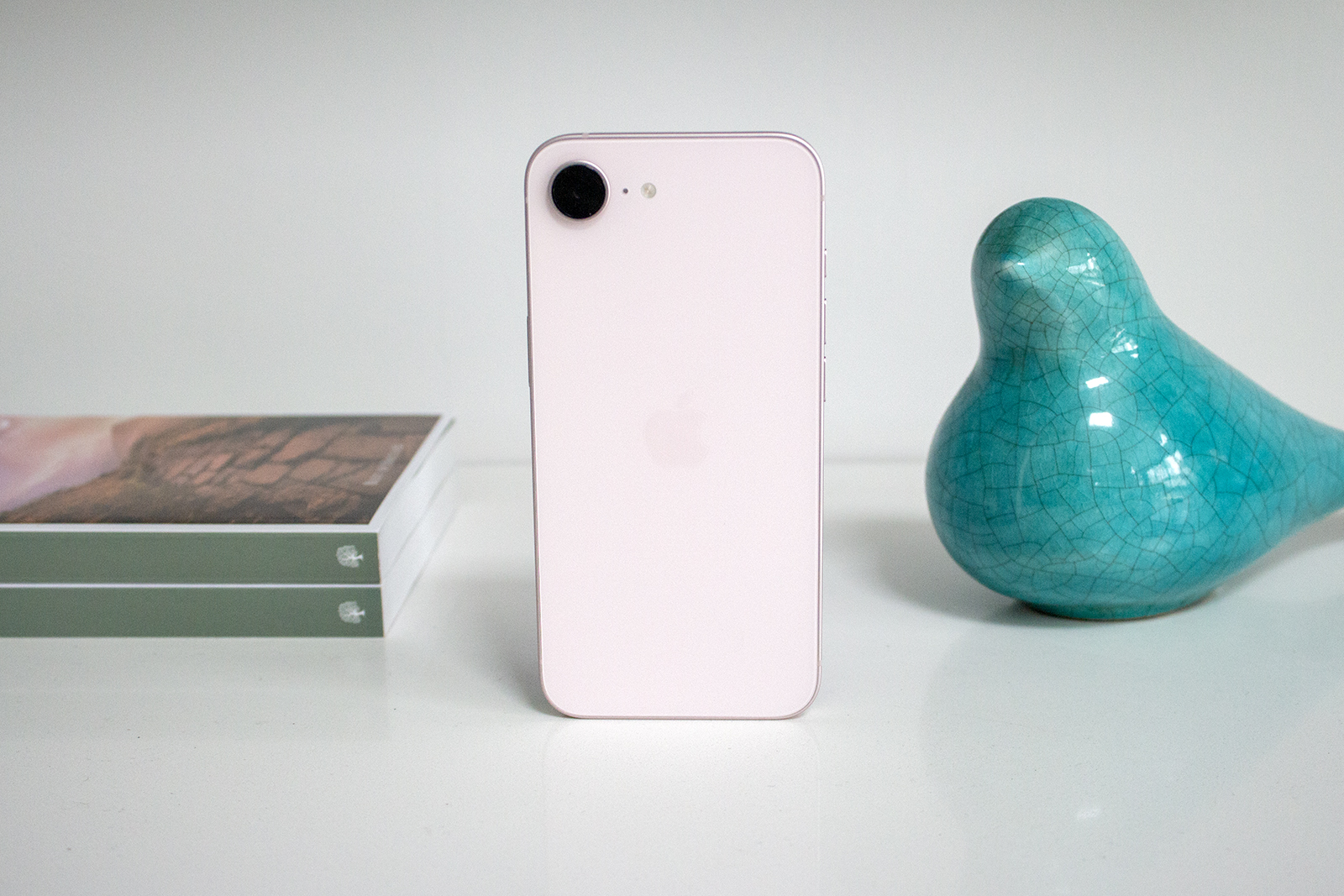
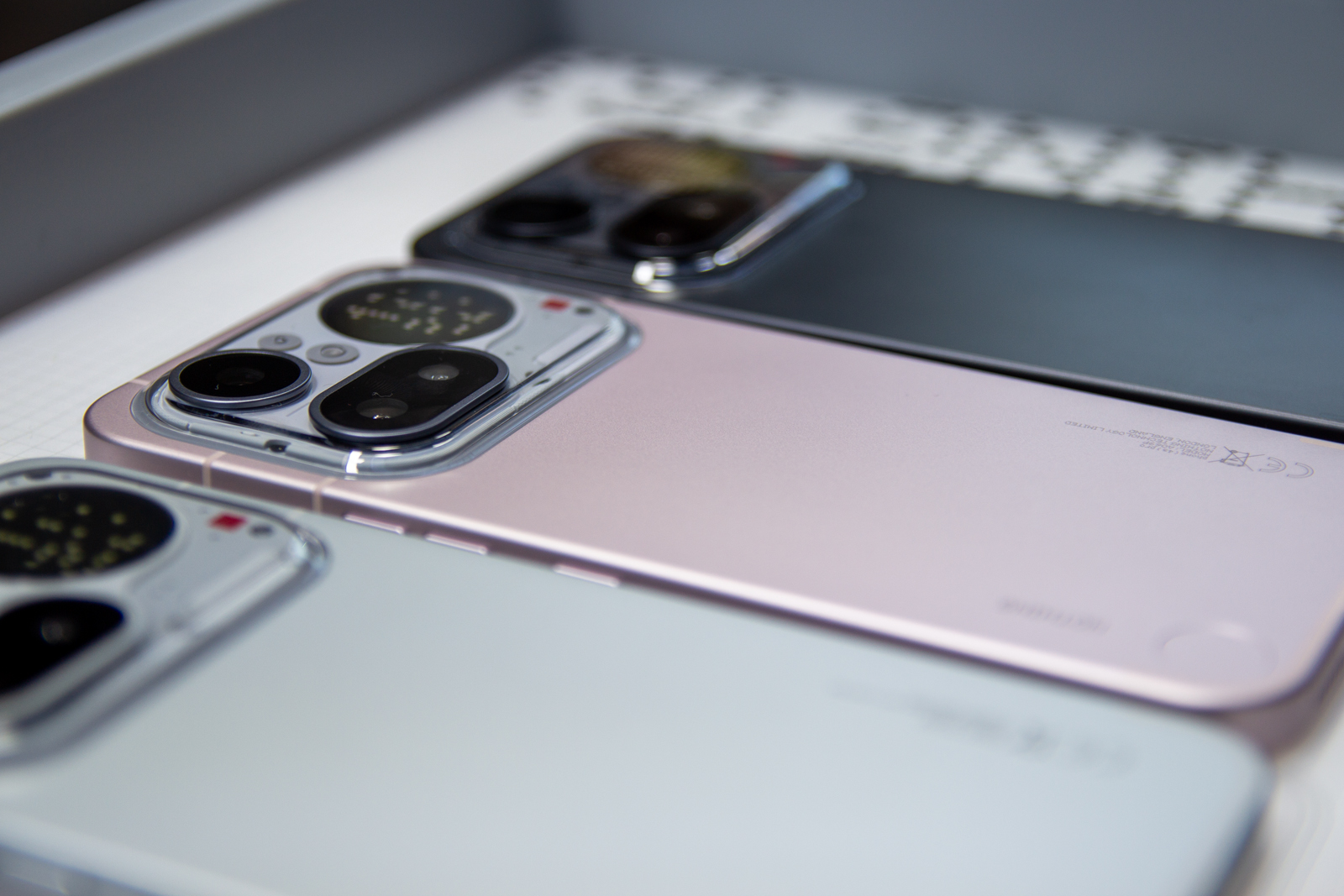
I still remember the smile that spread across my face when Apple first announced the 15-inch MacBook Air. It was revealed during WWDC23, which was the same event I had my first experience of Apple Vision Pro. Sure, the 15-inch model was just a bigger version of the redesigned MacBook Air (M2) that had been announced a year earlier at WWDC22, but that didn’t make it any less exciting. For me, it almost beat Vision Pro as the most exciting announcement of that event.
Nearly two years on and we are two generations of Apple Silicon chipsets forward with the MacBook Air, Apple Intelligence has arrived, and we also have a new colour option for the MacBook Air. Some things are the same, like the design, but there’s plenty that’s different. For the past year, I have switched between using the MacBook Air (M3) and the MacBook Pro (M4), and for the past week, I’ve been using the 15-inch MacBook Air in Sky Blue. Here’s my review.
The Disconnekt Downlow
Pros
+ Lovely portable design
+ Great performance
+ Superb battery life
Cons
– No Nano-texture display option
– Speakers could be better
– Lack of ports
There are so many reasons to buy the Apple MacBook Air (M4) and very, very few reasons not to. It could do with some extra ports, the speakers aren’t amazing and the screen could be updated to offer a 120Hz refresh rate along with the option of the MacBook Pro’s Nano-texture glass, but that’s really all there is to complain about. The design is fantastic – premium, lightweight and portable – the display is punchy with plenty of vibrancy, the performance is superb and the battery life is brilliant. As an everyday laptop, the MacBook Air (M4) remains my number one and the laptop I would recommend to the majority of buyers.
Buy from £999 on Amazon.co.uk; $999 on Amazon.com
The reasons you should choose the Apple MacBook Air (M4)
I’ve always had a soft spot for the MacBook Air. You might have guessed that from the intro to this review, but it’s long been my laptop of choice. I switched to the MacBook Pro (M4) a couple of months ago purely for the SDXC port and the Nano-texture glass display, but I still have a lot of love for the MacBook Air, and that love was reignited when my 15-inch Sky Blue review unit turned up. I almost forgot just how light and portable this laptop is compared to the MacBook Pro and while the base isn’t as solid, even the 15-inch model is light enough to carry around all day, while the fan-less design is blissfully silent.
The MacBook Air (M4) comes in a Sky Blue colour in addition to the Starlight, Midnight and Silver colours we saw on the MacBook Air (M3). There’s no Space Grey anymore and while the Sky Blue – which is a bluey-silver in the flesh – won’t float everyone’s boat, I am here for the option. Why not be a little different and pick a blue laptop? Go on, I dare you.


IMAGE CREDIT: THE DISCONNEKT
It’s the same design as introduced on the MacBook Air (M2) in 2022, which was the model that stepped away from the iconic wedge that had defined the MacBook Air since its inception in 2008. That is by no means a bad thing. I loved the wedge, but I love the symmetry the new design offers better. The 15-inch MacBook Air, especially, has plenty of space for resting your palms as you type, the aluminium body looks gorgeous and the special anodisation process that was first introduced on the Space Black MacBook Pro (M3) makes another return here continuing its mission to reduce fingerprints.
The Liquid Retina display is glorious too, with colours that pop, superb vibrancy and plenty of detail. Would I like it to be touchscreen? Absolutely. But I am also realistic and I know if Apple ever adds a touchscreen to Mac, it is very likely to be the MacBook Pro that will benefit first and not the MacBook Air. There’s also still a notch at the top of the screen, but as I’ve said in the last couple of MacBook Air reviews I have done, you will notice that for all of a few minutes before it blends into the background, and it at least houses the new MacBook Pro’s Centre Stage camera this time around.
“
The MacBook Air (M4) doesn’t promise the same 24 hours of the MacBook Pro (M4), which is a little odd given they’re using the same processor, but it will easily see you through a day of work with the battery barely breaking a sweat.
Elsewhere, the typing experience from the Magic Keyboard is brilliant on the MacBook Air, with full height function keys and the very handy Touch ID fingerprint sensor in the top right corner, which I am pretty certain I use more than backspace. There’s a smooth travel to the keys, while the trackpad below is very responsive.
It’s the performance where the MacBook Air (M4) really shines though, and where you might notice a difference compared to the previous generations of the MacBook Air, the last three of which offer the same attributes as I’ve just mentioned for this model. Taking the power up a notch, the MacBook Air (M4) runs on the Apple Silicon M4 processor and it also comes with double the memory as standard with 16GB over 8GB. These both contribute to delivering a slick and smooth experience whether editing RAW image files, running multiple apps simultaneously or just dabbling in everyday tasks.

IMAGE CREDIT: THE DISCONNEKT
If you have the MacBook Air (M3) or even the MacBook Air (M2), it’s likely you’d say the same about both those machines too, though the M4 chip does have the slight edge when it comes to quicker processing of image filters on Photoshop, for example, and it is snappier overall. Battery life is also an area the MacBook Air has excelled at for the last couple of years and that remains true in the MacBook Air (M4) too. It doesn’t promise the same 24 hours of the MacBook Pro (M4), which is a little odd given they’re using the same processor, but the MacBook Air (M4) will easily see you through a day of work with the battery barely breaking a sweat.
Four Apple MacBook Air (M4) specs
1.24
Kilos
The MacBook Air with M4 chip weighs 1.24kg in the 13-inch model and 1.51kg in the 15-inch model.
113
Millimetres
The MacBook Air with M4 chip is 113mm thick and the 15-inch model is 115mm.
16
Gigabytes
The MacBook Air with M4 chip has 16GB of memory, which is configurable up to 32GB.
2
Terabytes
The MacBook Air with M4 chip has 256GB of storage, which is configurable up to 2TB.
What Apple MacBook Air (M4) could do better
There’s very little to complain about with the MacBook Air (M4), which is something I’ve said for the last couple of iterations. I mentioned the notch at the top of the display and in an ideal world, I’d love to see it reduced, or better still, gone entirely. An uninterrupted menu bar at the top really would be lovely, and I’d also have appreciated the option of the Nano-texture glass offered on the MacBook Pro, iMac and iPad Pro (M4) too, which I have come to appreciate a lot over the last few months. There’s also a 60Hz refresh rate here and 120Hz would be a welcomed addition, especially for those looking to use the gaming mode.
I mentioned I’d love some touchscreen action too, and while we’re on the subject of wish lists, now that the MacBook Air has been given some colour treatment, I wouldn’t be opposed to seeing a Purple version in the future – it’s my favourite colour of the iPad Air (M3) and the iPad mini (A17 Pro) palettes.


IMAGE CREDIT: THE DISCONNEKT
On a more practical level though, it’s really only the lack of HDMI and SDXC ports that bother me on the MacBook Air (M4). It’s not a huge deal as you can of course get adapters to get around the fact the MacBook Air doesn’t have more than the MagSafe charging port, two Thunderbolt 4 connections and a 3.5mm headphone jack, but I’d still opt for a native SDXC port built into the MacBook Air (M4). HDMI would be especially useful now too as the MacBook Air (M4) is capable of powering two external displays and its own display, rather than just two external displays with the lid closed as was previously the case, but again, there are ways around it.
The last thing to complain about is the MacBook Air (M4)’s speakers are still not as impressive as what you’ll get on the MacBook Pro (M4). The slim design sees the speakers hidden within the hinge so the sound isn’t anywhere near as projected, but I’m an AirPods user so I can’t say I use my laptop speakers all that regularly. If you are someone who does, it’s a consideration here for sure, but it’s a small compromise for the otherwise excellent design.
A bit about macOS Sequoia and Apple Intelligence
The MacBook Air (M4) runs on macOS Sequoia, which Apple announced during WWDC24 and released in September 2024. It’s compatible with a number of older Macs, including all the MacBook Air models running Apple Silicon M-series processors so you may have already experienced many of the features depending on what laptop you have currently.
The standout features of macOS Sequoia are iPhone Mirroring, which allows you to control your iPhone from your Mac’s screen using the trackpad and keyboard, along with the Passwords app that is also available on iPad and iPhone.

IMAGE CREDIT: THE DISCONNEKT
Window tiling got easier with macOS Sequoia too and this makes quite a big difference when it comes to multi-tasking. You can snap four apps into the different corners of the MacBook Air (M4)’s display and while they are still reasonably small, the 15-inch screen size does lend itself better to this than the 13-inch model.
Apple Intelligence also arrived on Apple Silicon Macs in 2024 with features like Clean Up in Photos for removing unwanted people or objects from your pictures, as well as Priority Inbox in Mail and Notification Summaries. I have to say I find the latter the most useful, but it will depend on the kind of user you are as to what AI might be able to help you with.
Writing Tools is a natural Apple Intelligence feature for Mac, allowing you to proofread, summarise, rewrite and compose anywhere you see the cursor, but I think it’s safe to say we are still at the beginning with AI in general and there’s room for improvement across all of them, from Apple Intelligence to Google’s Gemini. What I am trying to say is buy the MacBook Air (M4) for all the other great reasons I mentioned, not because you want AI on your laptop.


IMAGE CREDIT: THE DISCONNEKT
Should you buy the Apple MacBook Air (M4)?
There are so many reasons to buy the Apple MacBook Air (M4) and very, very few reasons not to. It could do with some extra ports, the speakers aren’t amazing and the screen could be updated to offer a 120Hz refresh rate along with the option of the MacBook Pro’s Nano-texture glass option, but that’s really all there is to complain about.
The design is fantastic – premium, lightweight and portable, the display is punchy with plenty of vibrancy, the performance is superb and the battery life is brilliant. You don’t need to upgrade if you have the MacBook Air (M3) or the MacBook Air (M2), but if you have an Intel-powered Mac or the MacBook Air (M1), you’ll never look back.
As an everyday laptop, the MacBook Air (M4) remains my number one and the laptop I would recommend to the majority of buyers.

IMAGE CREDIT: THE DISCONNEKT
FAQs
The MacBook Air (M4) comes with a base memory of 16GB, which is double that of the MacBook Air (M3). The base storage is 256GB. The memory can be upgraded to 32GB and the storage up to 2TB.
The MacBook Air with M4 chip starts at £999 in the UK and $999 in the US for the 13-inch model, and £1,199 in the UK and $1,199 in the US for the 15-inch model.
The MacBook Air with M4 chip runs macOS Sequoia and it supports Apple Intelligence.
The MacBook Air (M4) comes with the Apple Silicon M4 chip instead of the M3, double the memory at 16GB over 8GB and it has a new colour option of Sky Blue, replacing Space Grey. It can also power two external displays along with its own display compared to two displays with its lid closed, and it has a new 12-megapixel Centre Stage camera. The MacBook Air (M4) is also cheaper than the MacBook Air (M3) was at launch.