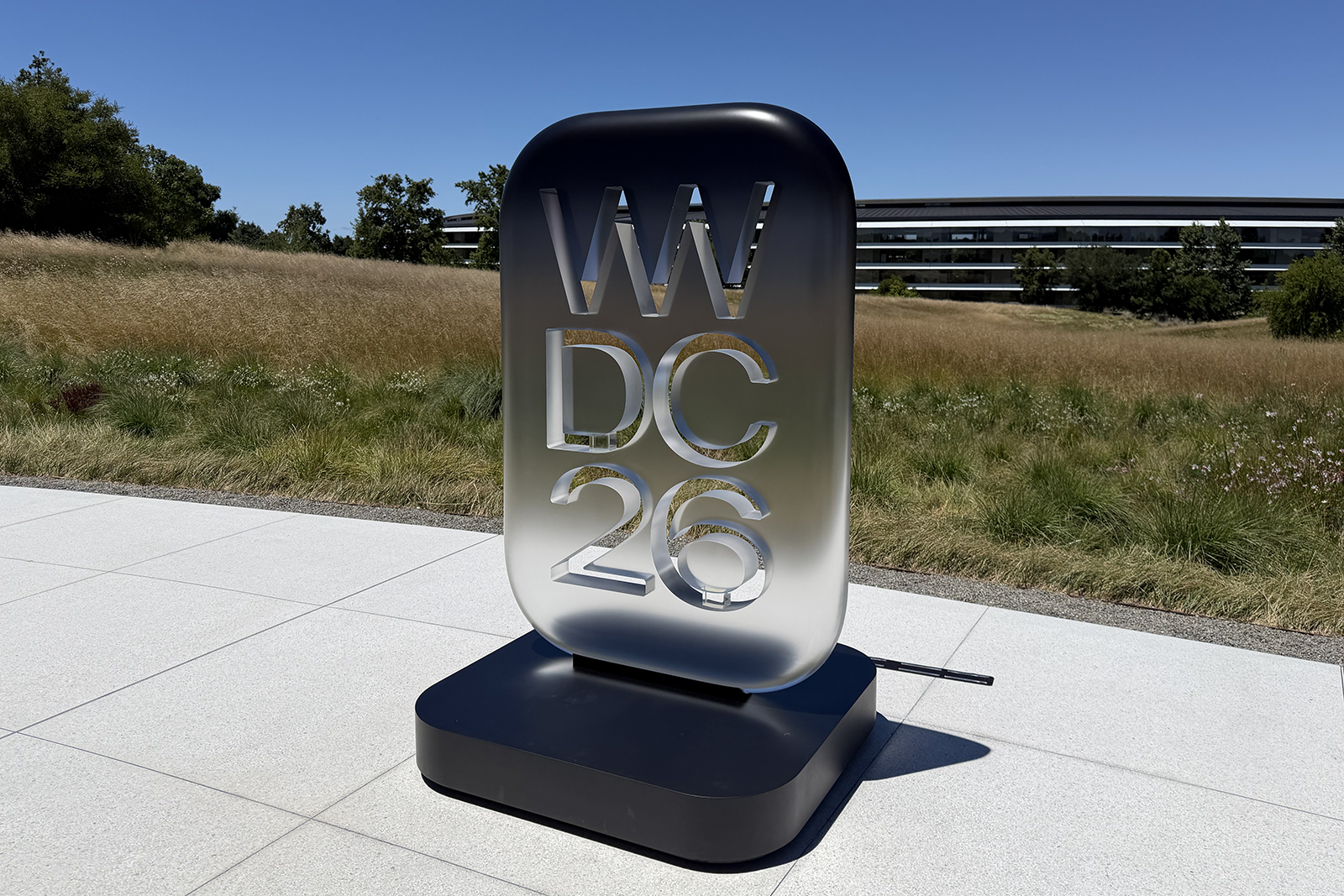
When I sat down in Apple Park for WWDC26 this year, I was a little apprehensive. Two years ago at WWDC24, Apple unveiled Apple Intelligence alongside a more personalised and contextually aware Siri, only for the latter not to materialise, leaving Siri (who ironically was the first personal assistant) miles behind the likes of Gemini and ChatGPT in terms of capabilities.
I expected Siri to be mentioned this year (following very little mention at WWDC25), though there was certainly a part of me that was concerned Apple’s assistant wouldn’t live up to the expectations that had been building around it over the last two years.
But, then I tried Siri AI on the Developer Beta running on my iPhone 16 Pro Max and it looks like this year we will finally get the Siri we’ve been promised. That’s partly thanks to a deal Apple struck with Google that sees Gemini powering some of the models that Siri is built on, though it’s also thanks to the access Siri has to your information on iPhone, iPad and Mac and what it can tell you about you and your life.
What can Siri AI do?
I prefer the colourful rim of the current Siri compared to the new Siri interface that appears at the top of your iPhone screen within Dynamic Island, but I accept that some differentiation had to be made between old Siri and new. I tried asking Siri AI a number of prompts and I have been pleasantly surprised so far.
It found a restaurant I went to in Barcelona last year on the Saturday night before Mobile World Congress; it told me which dates I was free for lunch in July; and it located a marinade recipe my mum sent me in a Message back in 2023. It also found my holiday photos from a trip to Sweden last August (and asked if I wanted to see ones from February too); blocked out every Friday in July between 6-8pm with a simple prompt; and found restaurants nearby that I could visit prior to my flight home from San Francisco.


IMAGE CREDIT: THE DISCONNEKT
I also got Siri AI to create a packing list based on an email I was sent for WWDC and remind me to pack when I got back to the hotel (I didn’t tell it the hotel but I got my reminder as I pulled up); tell me how much I paid my window cleaner every month (this needed a little extra prompt); and tell me my passport number (though it picked the old one).
It wasn’t able to make a reservation at the restaurants it found prior to my flight; it couldn’t find my driving licence number for some reason; and Siri also didn’t seem to be able to pull context from an open WhatsApp chat. But all in all, it works brilliantly for someone like me who is baked into Apple’s ecosystem and uses many of the native apps. The new standalone Siri app is useful for collating all your requests and chats, too, while there’s also a new Siri mode in the camera app that launches Visual Intelligence.
The other iOS 27 features to look forward to
It’s not all about Siri though, there are a number of other features to look forward to. Some are performance improvements, others I can see being handy in the background.
Suggestions
Apple Intelligence is getting chattier inside Messages and Mail, proactively spotting useful actions buried in your conversations. Mention a date to a friend and you’ll likely see a one-tap option to drop it straight into your calendar; get asked for some holiday snaps and Mail or Messages might suggest opening Photos, before automatically taking you straight to the photos you’ve been asked for. These things might seem small but they are the kind of AI helpfulness I can get on board with.
Photo editing advancements
There are three additional photo editing tools, all powered by Apple Intelligence. Spatial Reframing essentially lets you recompose a photo after the fact, which is good if you cropped too tight or shot in the wrong orientation. Extend is for pushing out the borders of an image to reveal more of the scene, and you can get up to 25 per cent per side using this. Lastly, there’s a significantly upgraded Clean Up tool (like Google’s Magic Eraser) that can now erase much larger unwanted objects, people, or distractions from your photos.


IMAGE CREDIT: THE DISCONNEKT
Call Context
Call Context works in the background while you’re on the phone to a business. Ring an airline about a delayed flight, for example, and Call Context will surface your booking reference or confirmation code from Mail on the screen, so you’re not scrambling through old emails.
Fixing compromised passwords
The Passwords app arrived in 2024 as Apple’s own password manager. It not only stores passwords but it will also flag any compromised ones. With iOS 27, it will actively monitor for weak, reused, or compromised logins and flag them more clearly. Better still, it can go ahead and update those passwords on your behalf, removing the tedious cycle of manually resetting credentials across dozens of accounts and websites.
Describe a shortcut
Shortcuts has always been great – if you know how to use it. It is a very complicated app if you don’t, but with iOS 27 it’s been handed over to Siri AI. Rather than having to deal with the existing block-based automation builder, you can simply describe the routine or automation you want in everyday language – something like telling it to message a friend your ETA whenever you leave work, and Siri AI will assemble the necessary actions across the relevant apps automatically. It turns a fiddly power-user feature into something pretty much anyone can use. You’ll also be able to use natural language to add events to the Calendar app too.
Child safety tools
Apple has always had fairly decent child safety tools but they have been expanded quite considerably in iOS 27. The Setup Assistant now lets parents pick exactly which apps a child’s iPhone starts with, while a new Ask to Browse feature requires your children to request approval before visiting unfamiliar websites, with parents able to review each request directly in Messages. Communication Safety has also been broadened beyond nudity, now stepping in before children are exposed to graphic violence or gore in shared photos and videos too, and parents can also set it so any new contacts have to be approved too.
A Liquid Glass slider
Liquid Glass, Apple’s translucent design language that was introduced with iOS 26, has had a couple of improvements with iOS 27. It is more refined with text and icons featuring improved contrast to make everything easier to read at a glance. There is also a new slider, however, which hands control back to you, letting you adjust the effect’s intensity along a scale from completely clear and glassy through to a fully tinted, more solid appearance.
Better search in Mail
Search within Mail is finally set to get the relevance overhaul it’s needed for years. A new ranking system will prioritise the results most likely to match what you’re actually after, pushing them to the top of the list rather than burying them beneath chronological clutter. In practice, that means tracking down an old booking confirmation or a long-forgotten thread should take noticeably fewer scrolls and hopefully a lot less frustration.
Smoother network switching
iOS 27 promises a more intelligent approach to choosing between Wi-Fi and cellular connections as you move around. Whether you’re requesting directions when you step out the front door, or continuing a FaceTime call as you walk off a plane and into the terminal, your iPhone should hand off between networks more seamlessly, with fewer dropped connections and less lag while it figures out which signal to use.
AirPods custom EQ
AirPods owners gain sound customisation for the first time, with new controls in the AirPods settings menu allowing you to adjust the lows, mids, and highs independently. Rather than relying solely on Apple’s preset tuning or broad equaliser presets, you can now shape the sound signature to suit your own ears, your music taste, or simply how you like your podcasts and calls to sound. It’s not possible to save different settings for different circumstances, though, so keep that in mind.
Faster AirDrop transfers
Performance gains are said to run throughout iOS 27, but AirDrop benefits most visibly, with transfers claimed to be up to 80 per cent faster according to Apple’s testing. Combine that with app launches that are up to 30 per cent quicker and a Photos library that loads newly taken images as much as 70 per cent faster, and the overall experience of using an iPhone day-to-day should feel snappier, even on slightly older hardware.
iCloud Album sharing with Android and Windows
Shared Albums become more useful in iOS 27 for households or friend groups split across different platforms. Those on Android or Windows will be able to join in via iCloud.com, contributing their own photos rather than just viewing what’s shared. Apple has also added support for full-resolution image sharing, alongside new filtering options and reaction tools.
What iPhones is iOS 27 compatible with?
- iPhone 17 Pro Max
- iPhone 17 Pro
- iPhone Air
- iPhone 17
- iPhone 17e
- iPhone 16 Pro Max
- iPhone 16 Pro
- iPhone 16 Plus
- iPhone 16
- iPhone 16e
- iPhone 15 Pro Max
- iPhone 15 Pro
- iPhone 15 Plus
- iPhone 15
- iPhone 14 Pro Max
- iPhone 14 Pro
- iPhone 14 Plus
- iPhone 14
- iPhone 13 Pro Max
- iPhone 13 Pro
- iPhone 13
- iPhone 13 mini
- iPhone 12 Pro Max
- iPhone 12 Pro
- iPhone 12
- iPhone 12 mini
- iPhone 11 Pro Max
- iPhone 11 Pro
- iPhone 11
- iPhone SE (2nd generation and later)
When will iOS 27 be available?
iOS 27 is due to arrive on compatible iPhones this “Fall”. There will be a public beta available from July, though, so you can try it out a little earlier if you don’t mind a few bugs.