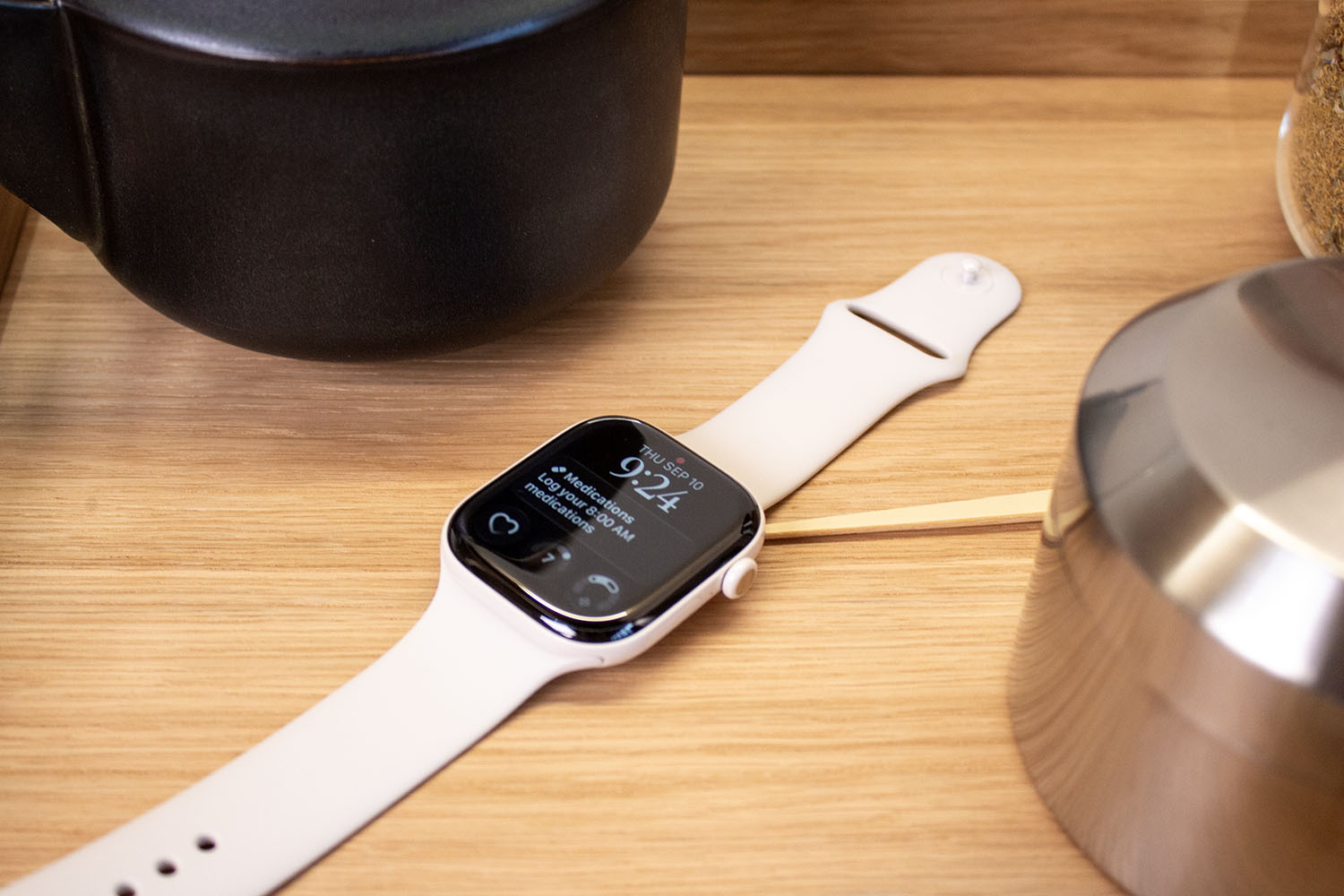
I’ve worn an Apple Watch since it became available in 2015, which is a pretty solid run I would say. Sure, I have switched between the various different models – with the Watch Series 9 currently on my wrist – but even when I test other fitness trackers or smartwatches, the Apple Watch always remains on. I just can’t seem to break the addiction of closing those damn Rings.
That said, I have maintained for a couple of years now that there are a few features missing on the Apple Watch. The Garmin Lily 2 had three I would loved to have seen come to Apple Watch. Thankfully, Apple announced during its Worldwide Developer Conference that one of those is coming with watchOS 11, along with a few extras that I hadn’t even considered I wanted.
My top three watchOS 11 features
It’s a much bigger update for Apple Watch this year than you might initially think. Some of the new features are small and perhaps even quite niche, but there are a few that really stand out – and that’s the case even without a focus on Apple Intelligence like Apple’s other products.
Pause your Rings
There are some days where you really don’t want to be told at 11:42pm that you could close your Move ring with an 18 minute brisk walk. Just let me sit on the sofa in peace, will you? With watchOS 11, you can choose to pause your Move, Exercise and Stand rings for a day, week, month or more to make sure you keep your streak.

IMAGE CREDIT: APPLE / THE DISCONNEKT
You can also adjust Activity ring goals for every day of the week so you can have that lazy Sunday without feeling guilty you haven’t hit your 600 Move calorie goal.
Vitals
There’s a new app called Vitals that helps you understand your overnight health data in one place with watchOS 11. If you are like me and you wear your Apple Watch to bed in order to track your sleep, there is a range of data currently available in the Health app when you wake up. So much in fact that it would take quite some time to go through it all.

IMAGE CREDIT: APPLE / THE DISCONNEKT
The Vitals app will establish a typical range for each of those health metrics – like respiratory rate and wrist temperature – and it will notify you if multiple metrics are ever outside of that range. You’ll also get some analysis as to what factors might have impacted those metrics, helping to give you a better idea of what is happening in your body.
Training Load
I should have put this one top really as this is probably my favourite of the watchOS 11 features. Training Load will allow you to see how the intensity of workouts may impact your body so you know when to train and when it might be time for a rest.

IMAGE CREDIT: APPLE / THE DISCONNEKT
There’s an effort rating for cardio-focused workouts – like Indoor Walk, Outdoor Walk, Indoor Cycle and Outdoor Cycle, among others – that takes into account a range of factors. Training Load will also compare the intensity and duration of your workouts from the last week compared to the previous four weeks and classify it on a scale to see if what you’re doing and the way you are training is sustainable. It’s not quite Garmin’s Body Battery but it seems like it has the potential to give you a fairly good indication as to when it might be a good time to slow down.
What else will your Apple Watch be able to do this year?
The three features I’m most excited about for watchOS 11 are above, but there are plenty more worth mentioning.

IMAGE CREDIT: APPLE / THE DISCONNEKT
Photos Face
The Photos Face on Apple Watch will be able to search thousands of photos in your Photo Library to select the best ones for composition, framing and image quality for your Apple Watch. You can also filter by People, Pets, Nature and Cities and customise the time stamp size and layout to make sure you don’t cover your dog’s gorgeous face.

IMAGE CREDIT: APPLE / THE DISCONNEKT
Live Activities
Live Activities appear on your iPhone screen (if you allow them) when something is happening. This could be a football game, your Uber arriving, or the time before and during a flight, for example. With watchOS 11 they will be supported on Apple Watch too so you will be able to glance at your Watch to find out when something is happening.
New widgets
Apple introduced widgets to Apple Watch in watchOS 10 and it was a pretty big deal at the time, changing how you interacted with the Watch and accessed various features and functions. For watchOS 11, new widgets are being introduced, including Training Load, Photos, weather alerts, Distance, Shazam and direct access to the last three items you used in an app – like the last three Workout types you’ve done.

IMAGE CREDIT: APPLE / THE DISCONNEKT
Check In
Check In was announced with iOS 17 and it was one of my favourite features Apple introduced, allowing you to notify a friend or loved one when you had arrived safely somewhere. With watchOS 11, you will be able to start a Check In from Messages on your Watch, and you will be able to do it at the same time as starting a workout too just in case you fancy yourself a midnight run.

IMAGE CREDIT: APPLE / THE DISCONNEKT
Workout
There are a few changes coming to the Workout app, including Custom Workouts for pool swims and Up Next workout view for any Custom Workout you create. It means if you have created a Custom Workout for a run, you will be able to see what horrible intervals you’ve popped in for yourself, or if you have a little recovery break coming up.
Elsewhere in the Workout app, you will also be able to see distance and route maps for more workouts, including rowing.

IMAGE CREDIT: APPLE / THE DISCONNEKT
Cycle Tracking
Cycle Tracking for women is improving with watchOS 11 too, with a focus on pregnancy. It’s a feature I would have loved a few years ago and it’s one I think plenty of women will appreciate. You can add a pregnancy to the Health app on iPhone and iPad and you will then be able to log various factors like appetite changes directly from your Apple Watch. You’ll see your gestational age and be able to track your pregnancy through the Health app on iPhone too giving you a nice rounded picture of where you are at in your pregnancy and the symptoms you’ve been having.

IMAGE CREDIT: APPLE / THE DISCONNEKT
Translate
You can download a language to use the Translate app on your Apple Watch without your iPhone with watchOS 11, with support for 20 languages. You can either type or dictate a phrase to see the translation, or play it out loud from your wrist. Translate will also appear in Smart Stack so if you have travelled somewhere, the app will appear on your Apple Watch suggesting a translation from English to wherever you might be.
Double Tap
Double Tap was introduced on Watch Series 9 and Watch Ultra 2 in 2023, but it is getting a little smarter with watchOS 11. You’ll be able to scroll through any app using the Double Tap gesture, including the Weather app so you can see if the rain is coming or if you might get a bit of sun in your life.
What Apple Watch models will be compatible with watchOS 11?
Apple has announced that watchOS 11 will be compatible with the following Apple Watch models:
- Apple Watch SE (2nd generation)
- Apple Watch Series 6
- Apple Watch Series 7
- Apple Watch Series 8
- Apple Watch Series 9
- Apple Watch Ultra
- Apple Watch Ultra 2
When will watchOS 11 come out?
There is no official date as to when watchOS 11 will be available but it’s likely to be in September, around the time of the new Apple Watch models. Usually the new Apple Watches are revealed and the final version of watchOS is available to download and install the following week, just before the new models are available on shelves. That should mean within the first two weeks of September.
You will be able to download the public beta of watchOS 11 in July, but be a little cautious about doing this as it can be a little buggy for the first few months.