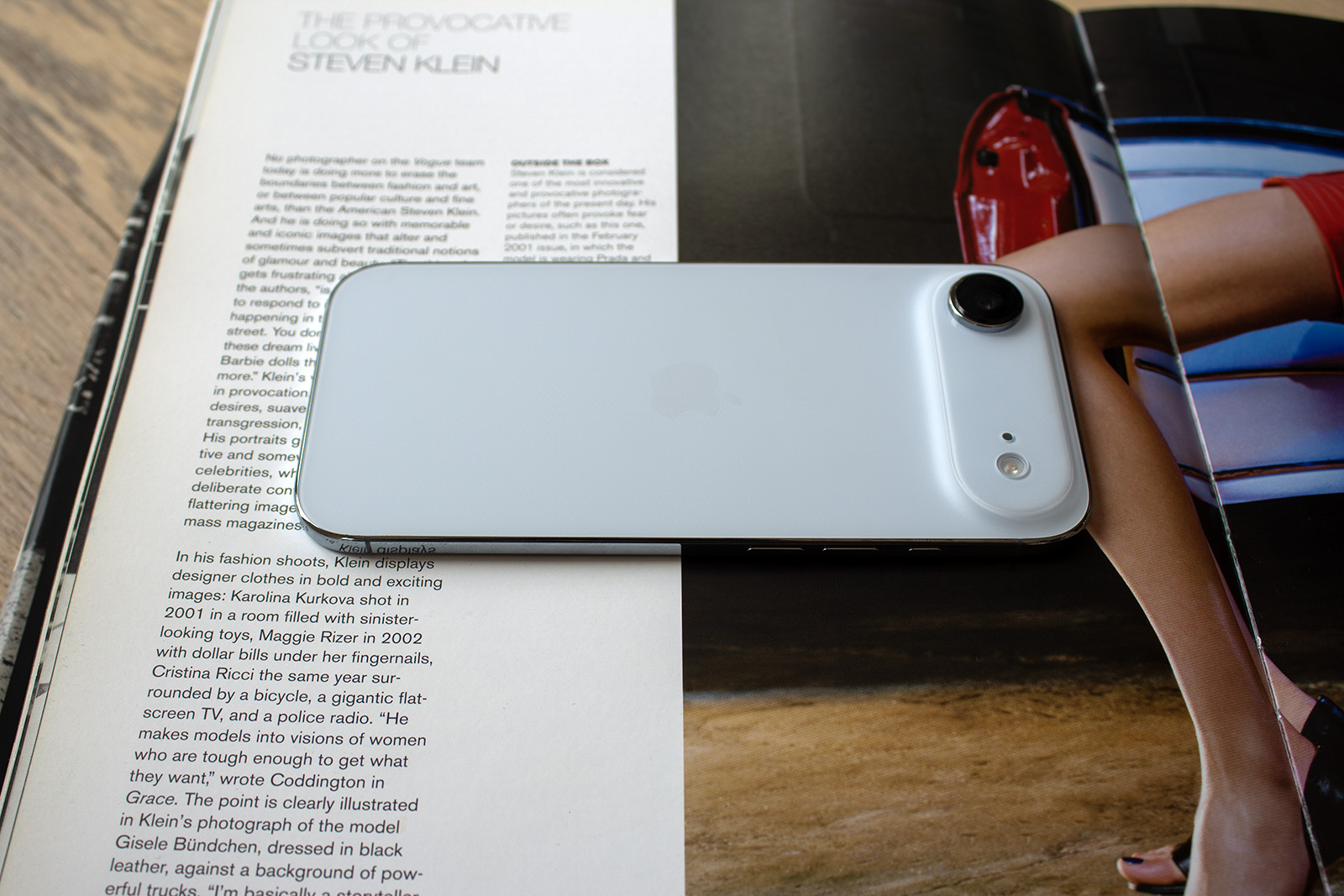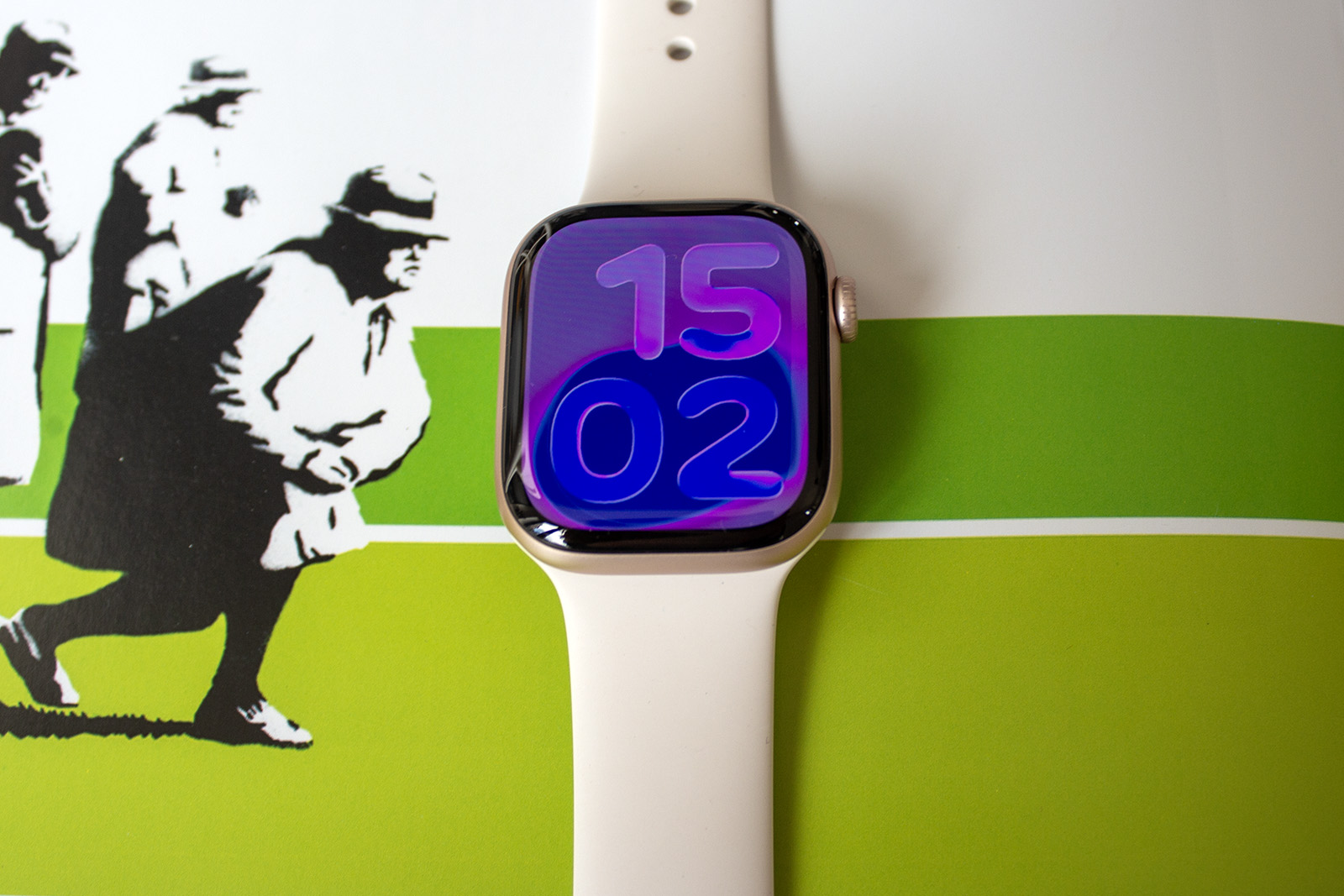
It’s that time of year again. No, no, I’m not talking about school summer holidays, because any parent will know all too well that’s happening without me having to tell them. Why do you think I’m writing this a day after it’s happened?
Instead, I’m talking about the public beta release for most of Apple’s upcoming software, all of which were previewed during the company’s Worldwide Developer Conference (WWDC) in June.
We saw the a snippet of some of the features that would be coming to iPhone, iPad, Mac and Apple Watch later this year, as well as Apple’s other devices like Vision Pro, Apple TV and AirPods.
I’m not going to go into detail about what each of those platforms offers in terms of features because I’ve covered them all separately in their own articles – instead, I’m going to do you the honour of learning how to get the software on your devices early.

IMAGE CREDIT: THE DISCONNEKT
How to try out iOS 26, iPadOS 26, macOS 26 and watchOS 26
Before you read any further, it really is recommended that you backup your devices before downloading beta software. It could be buggy – remember it’s not the final release – and the whole point in beta testing is to iron out the kinks before the final build launches.
The second thing to note is that there isn’t a public beta of visionOS 26 so if you’re hoping to try out the new features on Vision Pro should you have one, that’s not an option and you’ll need to exercise patience until the final release. Thirdly, I’d recommend downloading the beta software on a device that isn’t your main device if you can, but I appreciate that is not always an option.

IMAGE CREDIT: THE DISCONNEKT
If you’ve taken all those things on board and you still want to go ahead with trying the new iOS 26, iPadOS 26, macOS 26 Tahoe and watchOS 26 software out for yourself, here’s what you need to do.
- Head to https://beta.apple.com/
- Sign up if you aren’t already enrolled in the beta program
You will then need to open up ‘Settings’ on the device of the beta software you are looking to try out. For iPhone, for example, follow the steps below:
- Open Settings on your iPhone
- Tap on General
- Tap on Software Update
- Tap on Beta Updates
- Select iOS 26 Public Beta
- Tap on Back
- iOS 26 Beta will appear below Beta Updates and you can select Update Now or Update Tonight.
A very similar process applies for iPad, Mac and Apple Watch, so head to ‘Settings’ on those respective devices, ‘General’ and then Software Update’ and you should see access to the public beta for those software builds.

IMAGE CREDIT: APPLE
When are the final releases of iOS 26, iPadOS 26, macOS 26 Tahoe and watchOS 26 out?
Apple hasn’t yet specified exactly when the final releases of the new software will launch, but it is usually sometime in September around the time of the next iPhone and Apple Watch launch.
A date for that launch isn’t official at the moment, though rumours are pointing towards the 8th or 9th of September. If that’s the case and Apple follows previous years, the iOS 26, iPadOS 26, watchOS 26 software could be released on 15 September. Mac can sometimes have a later release, though last year macOS arrived the same time as the others.

IMAGE CREDIT: APPLE
What new features are coming to iPhone, iPad, Mac and Apple Watch?
The new software introduces a new design called Liquid Glass, which spans across all the various software builds from iOS 26 to watchOS 26.
The features below cover each of the main software announcements in detail to give you some nice light weekend reading if you’re interested in what to look out for once you’ve downloaded the public beta on your device.
- Apple iOS 26: What new tricks are coming and is your iPhone compatible?
- Apple iPadOS 26: The new features coming to iPad – and the compatible models that will get them
- watchOS 26: What new features are coming to Apple Watch and do you have a compatible model?
- macOS 26 Tahoe: All the features coming to Mac this year, and the compatible models