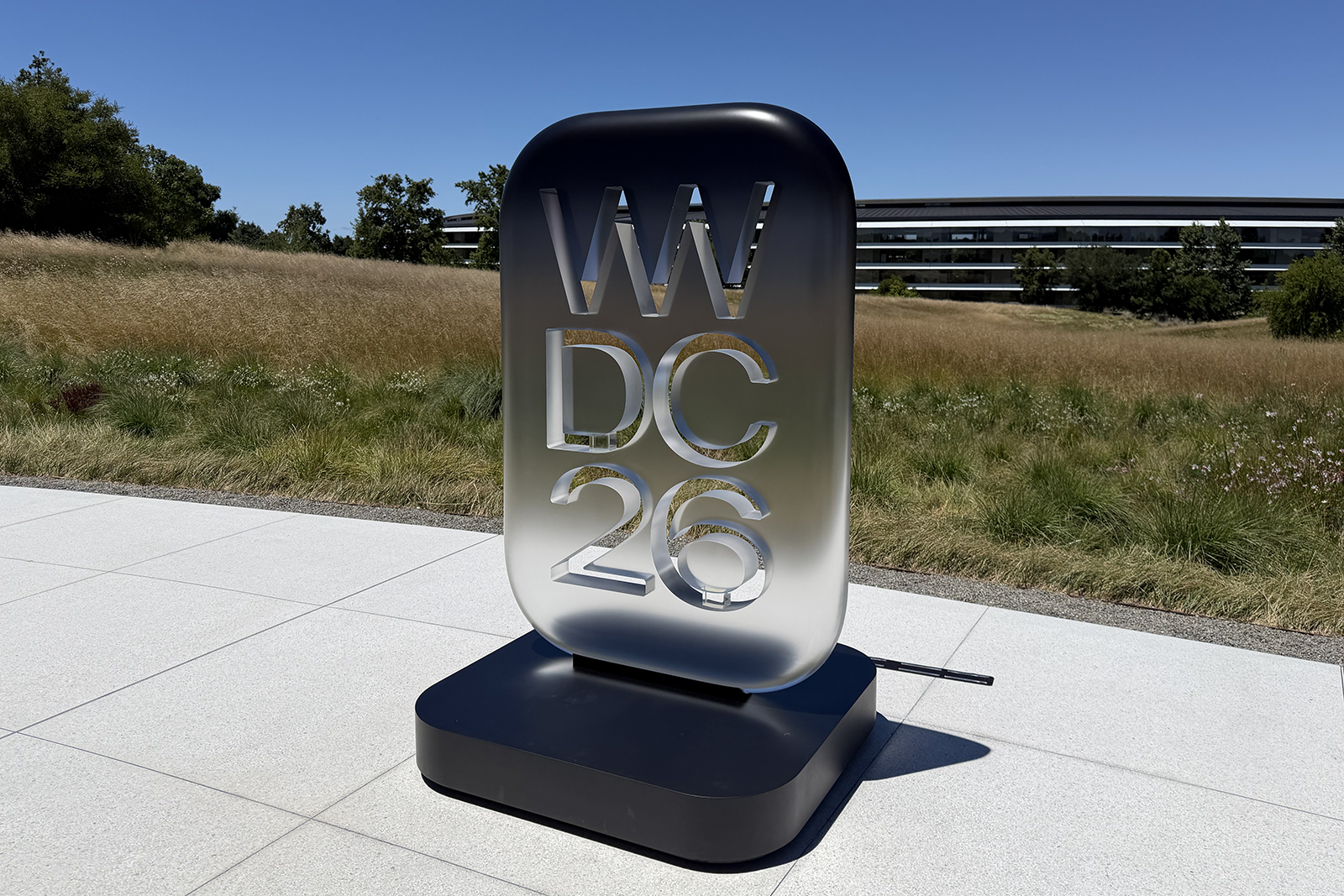
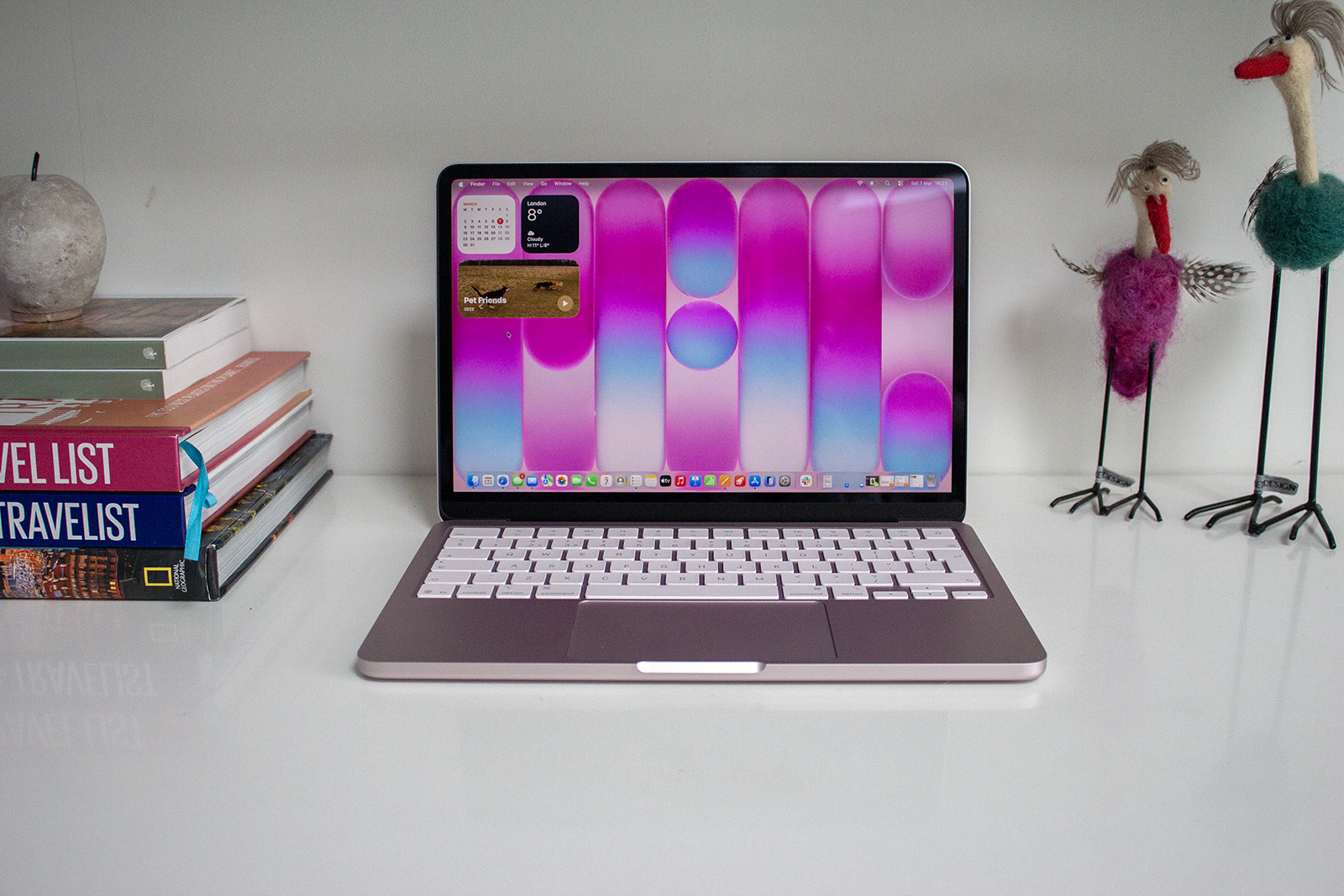
Apple has used WWDC25 to announce the new features coming to Apple Watch, iPad, Mac and iPhone later this year. All platforms have seen huge design changes, with a similar look across all devices and a move towards what Vision Pro offers with translucent settings and menus overlapping content.
As with iOS 26, the naming has changed for watchOS this year. It should have been called watchOS 12, following on from watchOS 11 that was announced at WWDC24, but Apple has changed the naming structure to a year-based system. That means watchOS 12 is in fact called watchOS 26, matching iOS 26, iPadOS 26 and macOS 26 Tahoe.
But apart from a new name, what will the new software bring to Apple Watch and what Apple Watch models will be compatible?
What new features will watchOS 26 bring to Apple Watch?
A new, more transparent design
Just like iOS 26, iPadOS 26 and macOS 26 Tahoe, watchOS 26 also introduces a new design to Apple Watch. Featuring what Apple is calling Liquid Glass, menus, settings and navigation on Apple Watch are all more transparent, acting as functional layers over content, matching what you’ll see on iPhone, iPad and Mac devices that are also running the latest software.
Workout Buddy
Headline feature for the Apple Watch this year with watchOS 26 – apart from the new design – is Workout Buddy. It uses Apple Intelligence on iPhone to give you encouragement during your workouts by pulling in data from your workout data and fitness history.
You can choose from different generated Fitness+ instructor voices and it will pep talk you during a workout, letting you know when you have hit a particular milestone or detailing how you did on the previous split. You will need to have Bluetooth headphones connected in order to use it however, whether that’s AirPods or a different pair.
Workout app
Speaking of working out, the Workout app on Apple Watch has been improved with watchOS 26 with a new layout. There are now four corner buttons in the app, giving you quicker access to go-to features like Race Route and Custom Workout.
There are some updates to Workout when it comes to music too. With watchOS 26, you can get Apple Music to pick tracks for you to listen to during a run or row, for example, based on what you have previously listened to for that type of workout. You can also select to choose your own media.
Automatic volume adjustment
This is probably one of my favourite new features coming with watchOS 26 on Apple Watch. Apple Watch will be able to interpret the ambient noise in your environment and adjust your notification alerts accordingly so if you’re in a library, your Apple Watch won’t make a very loud ping and disturb all the book worms.
Wrist flick
For watchOS 10, Apple introduced the Double Tap Gesture, allowing you to answer a call or start a workout when prompted by doubling tapping your thumb and forefinger. For watchOS 26, there’s a new wrist flick gesture. This will allow you to mute incoming calls, silence timers and dismiss notifications by turning your wrist away from you. It will only be available on Series 9 and later however, and not supported by Watch SE.
Smarter Smart Stack
Improved algorithms are coming with watchOS 26 that will allow for a smarter Smart Stack, offering prompts based on your Apple Watch data and trends from your daily routine. For example, it might suggest the workout app in the morning if you often do gym session first thing.
Notes
The Notes app is being introduced to Apple Watch with watchOS 26 too, allowing you to create a new note or view existing ones. You will also be able to tell Siri to create a new Note on the move.
Messages
Some of the features coming to iPhone with iOS 26 and to iPad with iPadOS 26 are also coming to Apple Watch. Messages on the Apple Watch will get Live Translation powered by Apple Intelligence and any customised backgrounds you have added to your Messages on iPhone, you will see on Apple Watch too.
There are also smart actions within Messages on Apple Watch, which will see recommendations based on information in a message. For example, Find My suggesting you share your location for an hour might appear if a friend asks you where you are.
Phone
You’ll need your iPhone nearby running iOS 26, but if you have that, you will also benefit from Call Screening on Apple Watch, which automatically answers unknown callers, and Hold Assist that keeps your spot in line while you wait for a live agent.

IMAGE CREDIT: THE DISCONNEKT
When will watchOS 26 come out?
Apple has only said watchOS 26 will be available “this fall”, which is what the company usually says this early on.
We don’t normally learn of an exact date for the release of the new software until much later in the year. watchOS 11 arrived on 16 September 2024 alongside iOS 18 and iPadOS 18, so its possible watchOS 26 will also arrive in mid-September. That will likely depend on the launch cycle for the new Apple Watch models however, so don’t pen that in your diary just yet.
A developer beta of watchOS 26 was released on 9 June – the same date watchOS 26 was announced. A public beta will arrive sometime in July so if you want to try the new features before September, sign up to the beta.
Which Apple Watch models will be compatible with watchOS 26?
Apple is generally very good at supporting older Apple Watch models with the latest software. For watchOS 11, all models from the Apple Watch Series 6 and newer were supported and no models have been dropped for watchOS 26.
That means the following Apple Watch models will support watchOS 26:
- Apple Watch Series 10
- Apple Watch Series 9
- Apple Watch Series 8
- Apple Watch Series 7
- Apple Watch Series 6
- Apple Watch Ultra 2
- Apple Watch Ultra
- Apple Watch SE (2nd generation)